
AI Video Generator

Bring motion, atmosphere, and sound to your ideas with an AI video generator. Choose among MiniMax H3, Seedance, Kling, Veo, Wan, and FLUX video models. Start with a clear scene, add references when supported, and shape your shot in one workspace.

Generate video

Creative controls

Features

Explore the AI video generator through practical examples, then choose the inputs and settings for your own project.

Seedance 2.0: A slow camera move toward a cabin in falling snow.Seedance 2.0

AI video generator: Scene and camera direction

Start with a subject, one action, and a camera path. This AI video generator lets you explore an atmospheric cabin shot, a character gesture, or a product moment. Choose the model before setting the duration and output format.
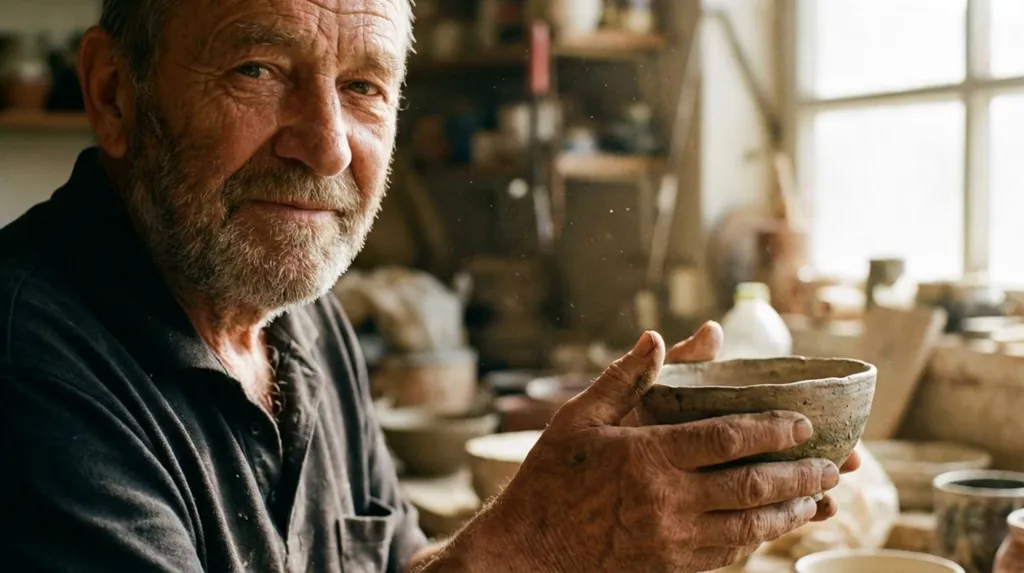
Kling 3.0: A craftsman examines a bowl in warm workshop light.Kling 3.0

AI video generator: From a still image to motion

Use the AI video generator with a starting image when the selected model supports it. A portrait or product frame establishes composition; your prompt describes movement. Keep gestures and camera travel compatible with the reference perspective.

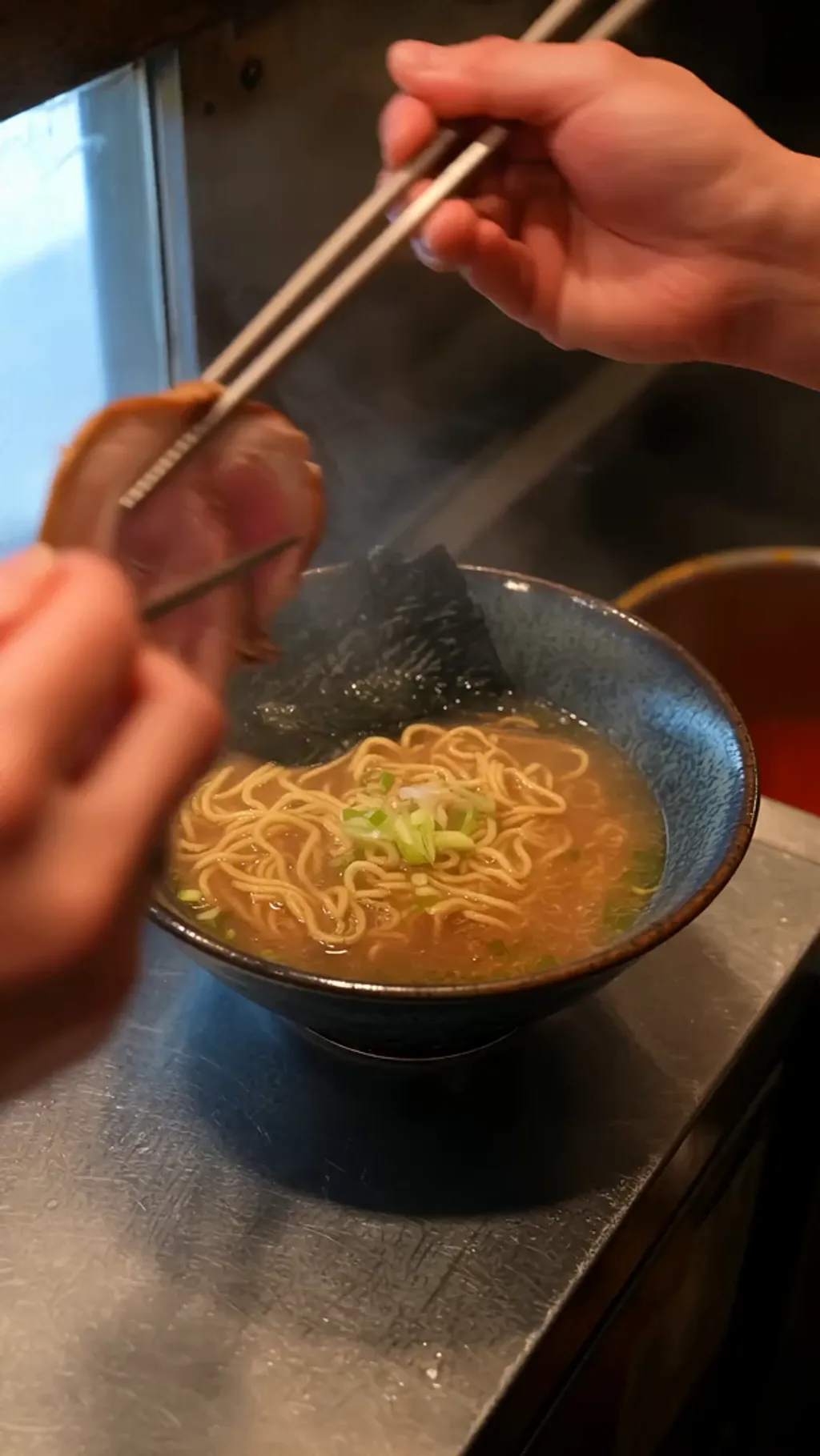
Wan 3.0: A chef finishes a steaming bowl of ramen.Wan 3.0

AI video generator: Texture, atmosphere, and sound

Describe steam, wind, light, and ambient sound as separate parts of your brief. The AI video generator offers models with different audio controls. Check the selected form before adding dialogue or requesting sound, and review the resulting clip.

AI video generator: Choose the right video model

Compare model options within the AI video generator without leaving the page. Each selection loads its own fields and credit estimate. Model families offer different reference inputs, duration ranges, and output settings; the form shows what is available.

AI video generator: Build a useful reference set

Give each input a purpose in the AI video generator. A starting frame anchors composition; reference images can guide subjects when supported. Video and audio references appear only for compatible models. Follow the field limits and avoid conflicting directions.

AI video generator: Refine one decision at a time

Keep the successful parts of your AI video generator brief and change one variable between attempts. Compare a slower camera move, a tighter crop, or a different lighting cue. Review timing, anatomy, and continuity before including a clip in your final edit.

Made with Clipin

Use cases

Choose a focused brief for your next AI video generator project. These starting points help you plan what to generate.

AI video generator for a consistent character vignette

Use a character reference to stage a small action in a new setting, with a clear camera direction. Start with the AI video generator, choose a suitable model, and adjust the brief to match your creative direction.

AI video generator for workshop gesture

Animate a small action around a tangible object. Start with the AI video generator, choose a suitable model, and adjust the brief to match your creative direction.

AI video generator for ramen finishing shot

Use steam and a small action to bring a food scene to life. Start with the AI video generator, choose a suitable model, and adjust the brief to match your creative direction.

Start free. Grow when you’re ready.

One credit balance for video, image, and voiceover creation.

Starter

For occasional creation

$24/month$29

Billed $288 yearly · Save $60

Models included

MiniMax H3
Seedance
FLUX 3
Seedream
Nano Banana
  • 500 credits per month
  • Up to 13 fast videos
  • Up to 166 images
  • UGC templates & Story creation
  • Image generation & editing
  • AI voiceovers
  • Preview & download
  • Credit top-ups available
Lowest credit price

Studio

For high-volume creation

$182/month$199

Billed $2,184 yearly · Save $204

Models included

MiniMax H3
Seedance
FLUX 3
Seedream
Nano Banana
  • 5,400 credits per month
  • Up to 142 fast videos
  • Up to 1,800 images
  • UGC templates & Story creation
  • Image generation & editing
  • AI voiceovers
  • Preview & download
  • Credit top-ups available

Credits are shared across images, videos and voiceovers. Monthly credits don’t roll over.

View full pricing and plan details

Before you create

Frequently asked questions

What can I create with this AI video generator?

Bring motion, atmosphere, and sound to your ideas with an AI video generator. Choose among MiniMax H3, Seedance, Kling, Veo, Wan, and FLUX video models. Start with a clear scene, add references when supported, and shape your shot in one workspace.

Which models does the AI video generator include?

The AI video generator includes every video model in our current selector: MiniMax H3 variants, Seedance 2.5, Seedance 2.0 and Mini, Seedance 2.0 Fast, FLUX 3, Wan 3, Kling 3, Kling 3 Omni, and Veo 3.1 Fast.

Can I use references in the AI video generator?

Yes, where the selected model supports them. The AI video generator shows the matching upload fields and their limits. Reference requirements vary, so review the form after switching models.

How do I choose settings in the AI video generator?

Select a model first, then choose among the options shown in the AI video generator. Resolution, aspect ratio, and other controls come from that model’s configuration. Unsupported settings are not offered.

How should I write an AI video generator prompt?

Describe the subject, setting, and desired composition first. Add lighting and style, plus movement for a video. Keep the AI video generator brief consistent and change one detail at a time when refining a result.

Does the AI video generator require an account?

When an account is required, the AI video generator opens our sign-in dialog on this page. Your prompt stays in the form. Any available free access follows the current account and model policy.

How much does the AI video generator cost?

The AI video generator shows estimated credits for the selected model and settings. If your balance is insufficient, the same purchase dialog lets you review the available plans and credit options before proceeding.

Are AI video generator examples guaranteed results?

No. These are published model examples for inspiration. Your AI video generator results depend on the selected model, inputs, and settings. Starter prompts are editable ideas, not exact reproductions of the examples.

Make your next idea with AI video generator.

Start with a clear AI video generator prompt, choose your settings, and make the result your own.

Generate video