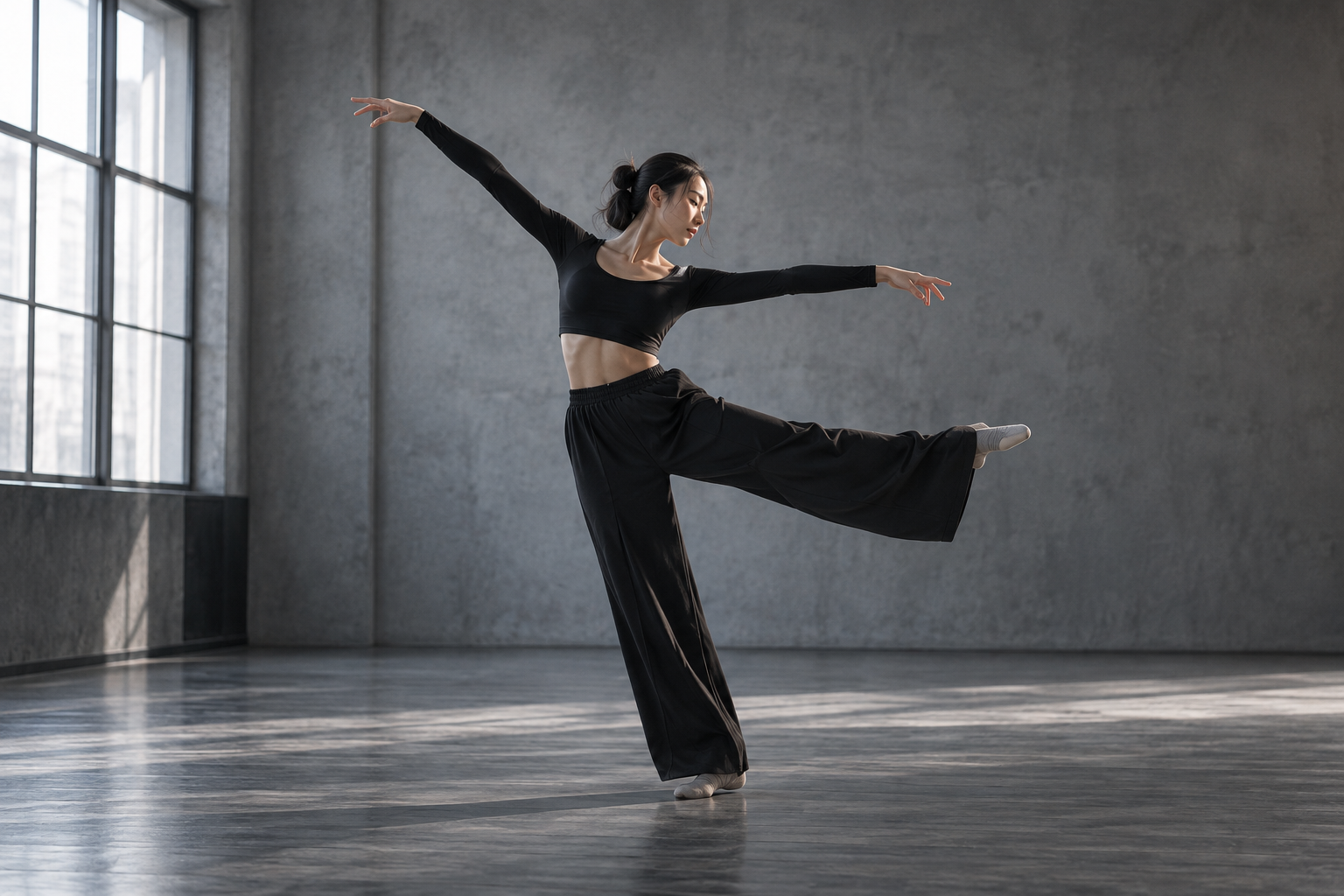
Start with your source
Add a 2–15 second MP4 or MOV up to 64 MB, at 16 fps or higher, or choose a suitable video from your library.
Reimagine the character, the world, or the details.
Your motion. A new reality. Start with your own video, then replace a character, background or object with a reference image, a prompt, or both.
Create Genjutsu AI videoHow it works
Add your clip and describe the change. We prepare any reference images, then generate your video using the source performance.
Add a 2–15 second MP4 or MOV up to 64 MB, at 16 fps or higher, or choose a suitable video from your library.
Add images for the characters, outfits or objects you want to replace. Use Prompt to identify each replacement and describe any background changes.
After submission, each image becomes a front, side and back reference sheet on a clean single-color background. Your prompt guides the subject selection and appearance.
Once all reference sheets are ready, your video is generated. Motion transfer follows the source performance; Objects swap focuses on the elements you select.
Use images to guide a character or product, and describe the background in Prompt. With only a source clip and description, generation skips image preparation.
Choose an available output resolution. The finished clip follows your source duration, and its aspect ratio is selected automatically from the source.
The credit estimate includes reference-sheet preparation and video generation. The final quote uses the measured input-video length, output duration and resolution.
Follow the generation status, preview the finished video and open the saved result. Reference-guided motion and visual details can vary.
What will you change?
Keep your description focused on the change you want to see.
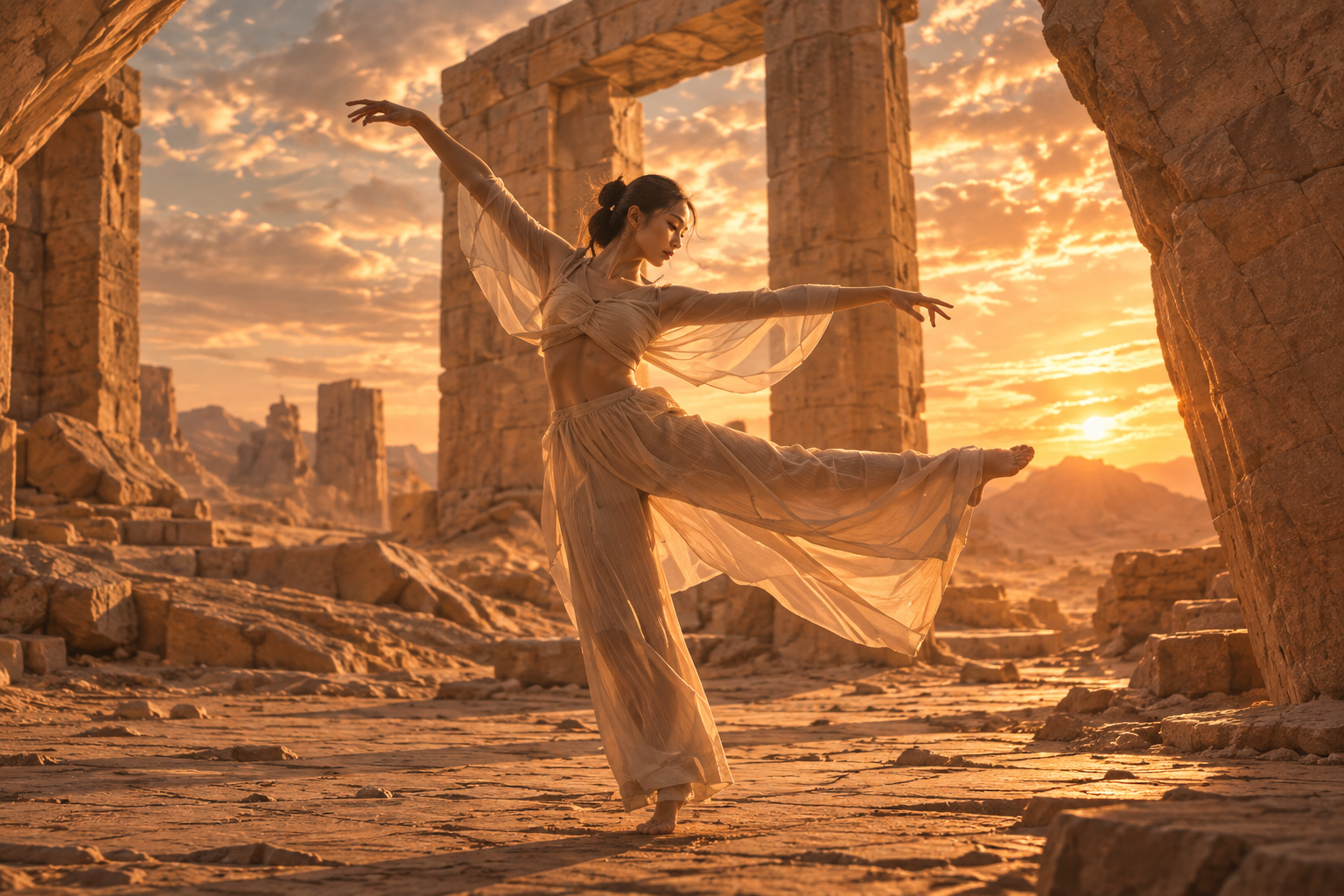
Turn a dancer’s outfit into flowing ivory fabric, introduce a new character appearance, or explore a different visual style around the source performance.
Move the performance from a studio into a quiet sandstone courtyard, a neon city or another environment while guiding the same action and camera direction.
Identify the object to replace and add a product image if useful. Guide a new finish or appearance while keeping its interaction with the scene consistent.
One credit balance for video, image, and voiceover creation.
For occasional creation
Billed $288 yearly · Save $60
Models included
 MiniMax H3
 Seedance
 FLUX 3Seedream
 Nano Banana
For regular content creation
Billed $780 yearly · Save $168
Models included
MiniMax H3SeedanceFLUX 3SeedreamNano BananaFor high-volume creation
Billed $2,184 yearly · Save $204
Models included
MiniMax H3SeedanceFLUX 3SeedreamNano BananaCredits are shared across images, videos and voiceovers. Monthly credits don’t roll over.
Genjutsu AI is Clipin’s video reference effect for changing a character, background or object around the performance in your original clip. Choose Motion transfer to create from your clip’s performance, or Objects swap to edit selected elements.
Upload a 2–15 second MP4 or MOV up to 64 MB, at 16 fps or higher. Keep the subject visible and use clear motion. Both modes support 480p, 720p and 1080p output.
A source clip and description are enough. You can also add up to 10 JPG, PNG or WebP images, up to 10 MB each, for replacement characters, outfits or objects. Describe background changes in Prompt. Type @ to mention your images or video. If Prompt is off, add reference images to define the new look.
After submission, each image is used to create one three-view reference sheet: front, side and back on a clean, solid-color background. Your prompt helps identify the subject and requested appearance. Both modes use these prepared sheets to guide video generation, keeping the same @image numbers. If image preparation fails, video generation does not start. Unseen views are AI-generated interpretations.
Yes. Describe the characters, background or objects you want to change, and use reference images to guide their new appearance. Mention which parts of the source should stay the same.
The source video guides the performance and camera movement. This is reference-conditioned generation, so motion, appearance and details can differ. Review the result before using it.
The displayed credit limit includes three-view preparation for each reference image and video generation. Video pricing includes both input-video and output-video duration at your selected resolution. The final quote uses the measured clip length and never exceeds the displayed limit. With no reference images, there is no image-preparation charge. Completed image steps may still use credits if a later step fails.
Both Motion transfer and Objects swap use Wan 3.0 through Clipin. Reference-image preparation uses Seedream 5 Lite. The sample image is an AI-generated concept created for Clipin.
Both effects keep the original video’s soundtrack by default. In Motion transfer, enable Regenerate audio to use a new model-generated soundtrack instead. Objects swap preserves the original soundtrack. Motion transfer can optionally use the source audio as a reference for performance timing and lip movements. This is off by default. With Regenerate audio off, a silent source stays silent.
Upload a source clip, describe the change and bring a new scene to life.
Create Genjutsu AI video