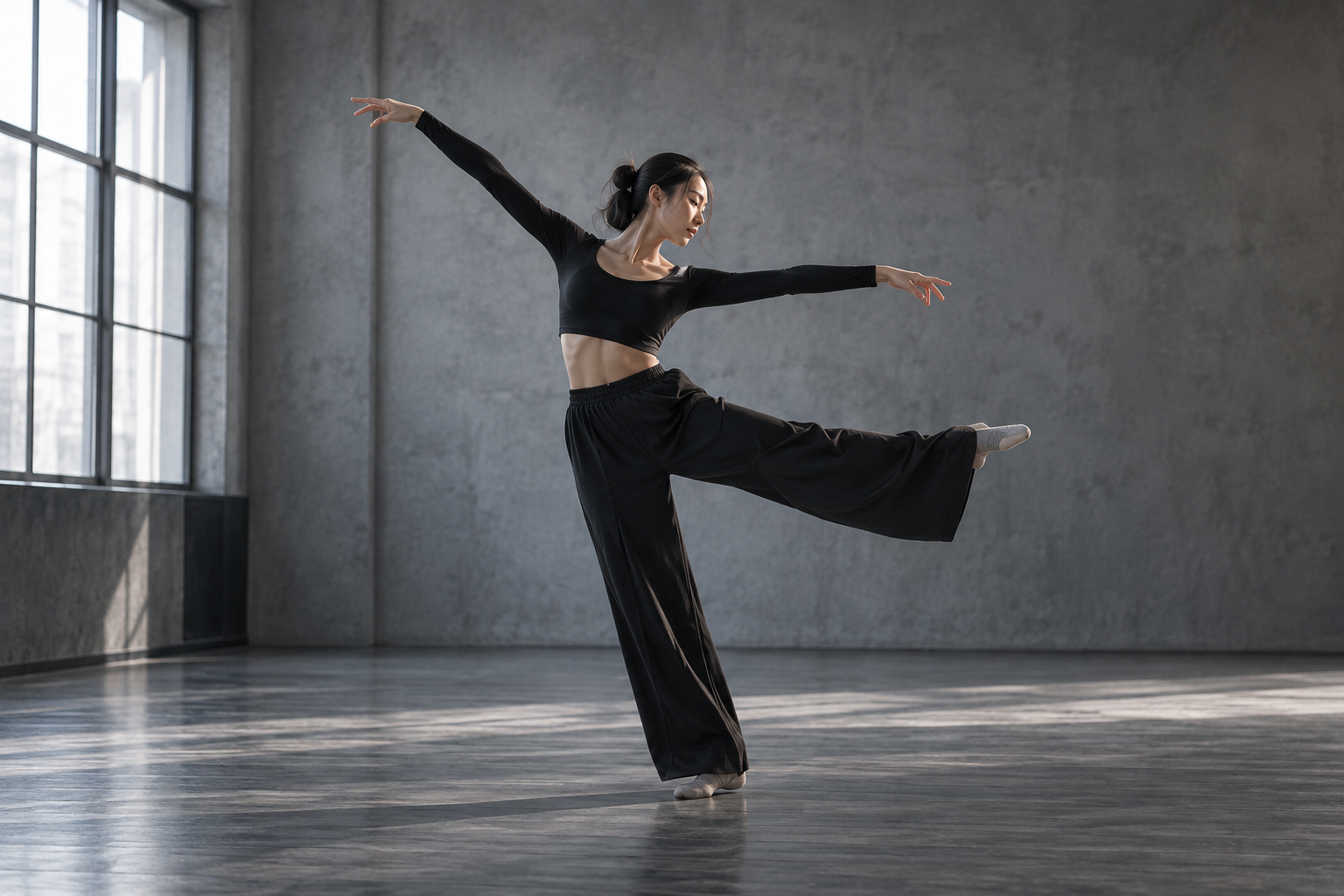
Start with your source
Add a 2–15 second MP4 or MOV up to 64 MB, at 16 fps or higher, or choose a suitable video from your library.
Reimagine the character, the world, or the details.
Your motion. A new reality. Start with your own video, then replace a character, background or object with a reference image, a prompt, or both.
Create Genjutsu AI videoHow it works
Add your clip and describe the change. We prepare any reference images, then generate your video using the source performance.
Add a 2–15 second MP4 or MOV up to 64 MB, at 16 fps or higher, or choose a suitable video from your library.
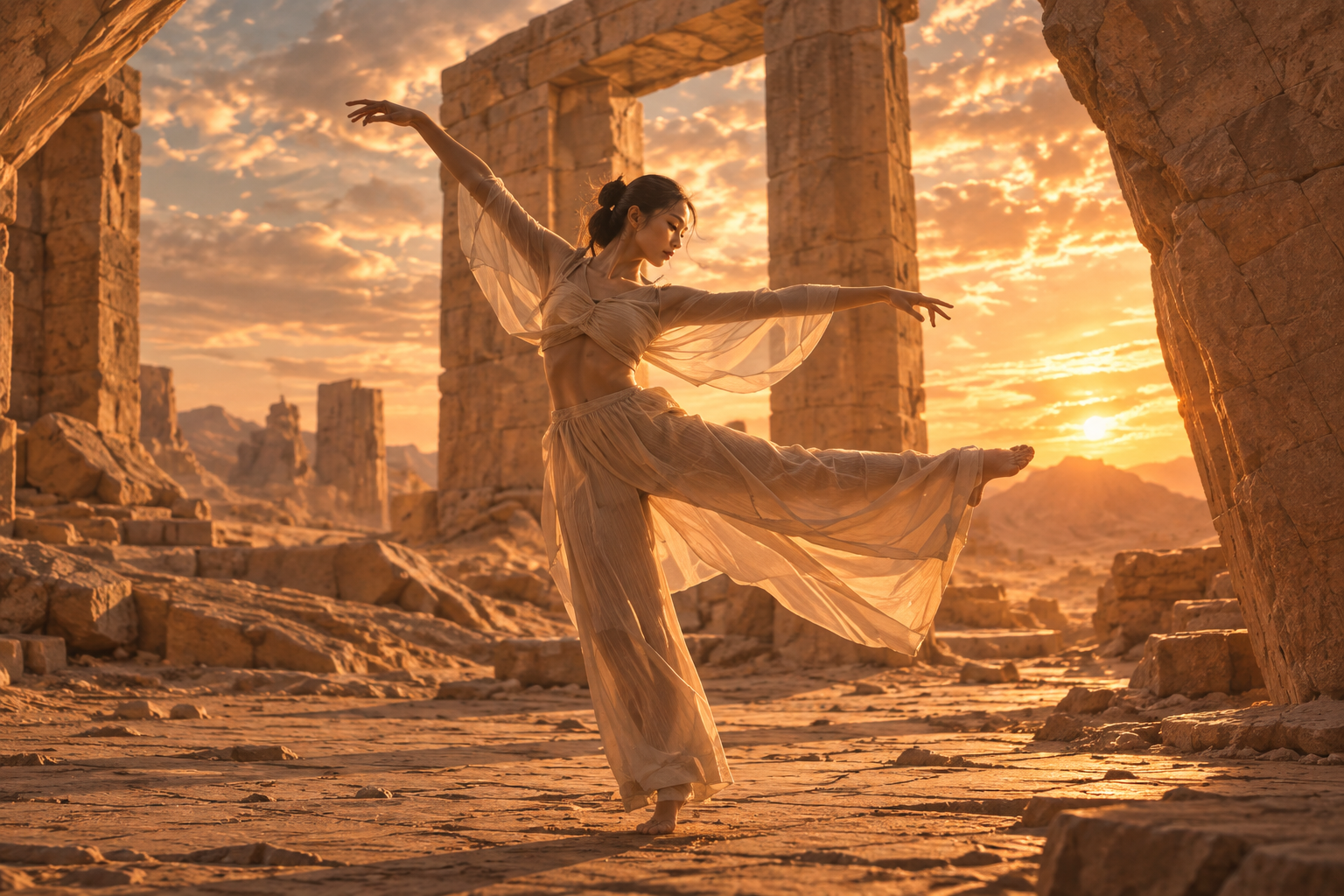
Add images for the characters, outfits or objects you want to replace. Use Prompt to identify each replacement and describe any background changes.
After submission, each image becomes a front, side and back reference sheet on a clean single-color background. Your prompt guides the subject selection and appearance.
Once all reference sheets are ready, your video is generated. Motion transfer follows the source performance; Objects swap focuses on the elements you select.
Use images to guide a character or product, and describe the background in Prompt. With only a source clip and description, generation skips image preparation.
Choose an available output resolution. Output length matches your source clip. Aspect ratio is selected automatically from the source.
The credit estimate includes reference-sheet preparation and video generation. Video credits follow the output duration and resolution. Output length matches your source clip.
Follow the generation status, preview the finished video and open the saved result. Reference-guided motion and visual details can vary.
What will you change?
Keep your description focused on the change you want to see.
Turn a dancer’s outfit into flowing ivory fabric, introduce a new character appearance, or explore a different visual style around the source performance.
Move the performance from a studio into a quiet sandstone courtyard, a neon city or another environment while guiding the same action and camera direction.
Identify the object to replace and add a product image if useful. Guide a new finish or appearance while keeping its interaction with the scene consistent.
One credit balance for video, image, and voiceover creation.
For occasional creation
Billed $288 yearly · Save $60
For regular content creation
Billed $780 yearly · Save $168
For high-volume creation
Billed $2,184 yearly · Save $204
Credits are shared across images, videos and voiceovers. Monthly credits don’t roll over.
Genjutsu AI is Clipin’s video effect for changing a character, background, object, or the people in your clip. Choose Motion transfer to follow the performance, Objects swap to edit selected elements, or Recast to replace the people.
Upload a 2–15 second MP4 or MOV up to 64 MB, at 16 fps or higher. Keep the subject visible and use clear motion. Both modes support 480p, 720p and 1080p output.
A source clip and description are enough. You can also add up to 10 JPG, PNG or WebP images, up to 10 MB each, for replacement characters, outfits or objects. Describe background changes in Prompt. Type @ to mention your images or video. If Prompt is off, add reference images to define the new look.
After submission, each image is used to create one three-view reference sheet: front, side and back on a clean, solid-color background. Your prompt helps identify the subject and requested appearance. Both modes use these prepared sheets to guide video generation, keeping the same @image numbers. If image preparation fails, video generation does not start. Unseen views are AI-generated interpretations.
Yes. Describe the characters, background or objects you want to change, and use reference images to guide their new appearance. Mention which parts of the source should stay the same.
The source video guides the performance and camera movement. This is reference-conditioned generation, so motion, appearance and details can differ. Review the result before using it.
The displayed credit limit includes three-view preparation for each reference image and video generation. Video pricing uses the output duration at your selected resolution. Output length matches your source clip. The final charge uses the generated length and never exceeds the displayed limit. If the source length can't be read, the estimate uses 15 seconds. With no reference images, there is no image-preparation charge. Completed image steps may still use credits if a later step fails.
Motion transfer, Objects swap, and Recast run in Clipin. Motion transfer and Objects swap prepare each reference image before the video. Recast replaces the people in a source video. The sample image is an AI-generated concept created for Clipin.
Both effects offer two audio options. Generate audio is the default and creates a new soundtrack, which you can describe in Prompt. No audio produces a silent video.
Upload a source clip, describe the change and bring a new scene to life.
Create Genjutsu AI video