 ProductImage prompt
 Creative recipe
Minimal product showcase
A clean ecommerce image prompt with intentional composition and controlled reflections.
Suggested: Nano Banana 2Product
The z image prompt guide uses verified provider naming and no unrelated model logo.
Explore Z Image prompt examples for photorealistic scenes, bilingual text, products, and fast image drafts using Clipin's real Z-Image Turbo model. This z image prompt collection uses original Clipin wording and sends every selected recipe to a review step before generation.
Keep one dominant idea so every z image prompt phrase controls a visible or audible decision.
Choose the intended outcome first, then open a z image prompt example to inspect its complete structure.
ProductImage promptA clean ecommerce image prompt with intentional composition and controlled reflections.
 PortraitImage prompt
A portrait prompt with specific lens language, pose, light, and editorial finish.
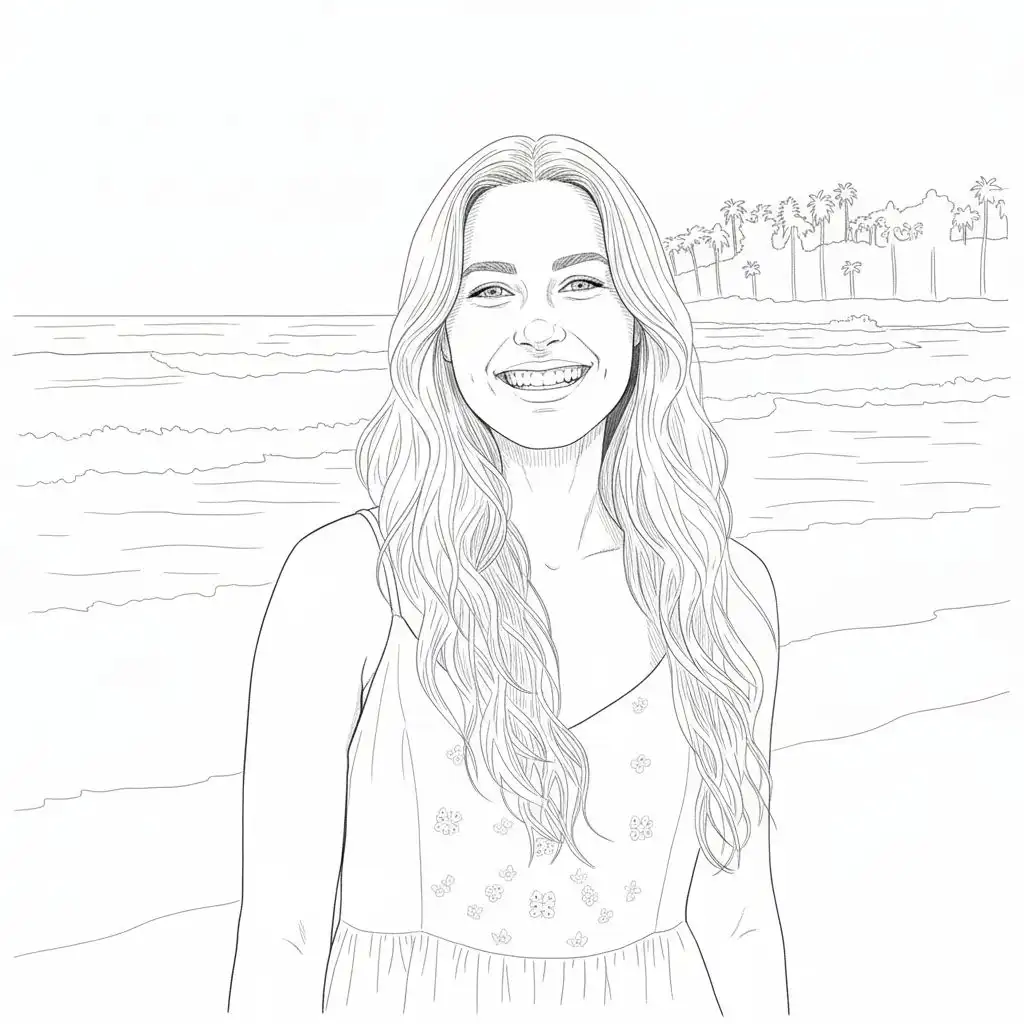 PosterImage prompt
A graphic prompt that treats typography, hierarchy, and layout as first-class constraints.
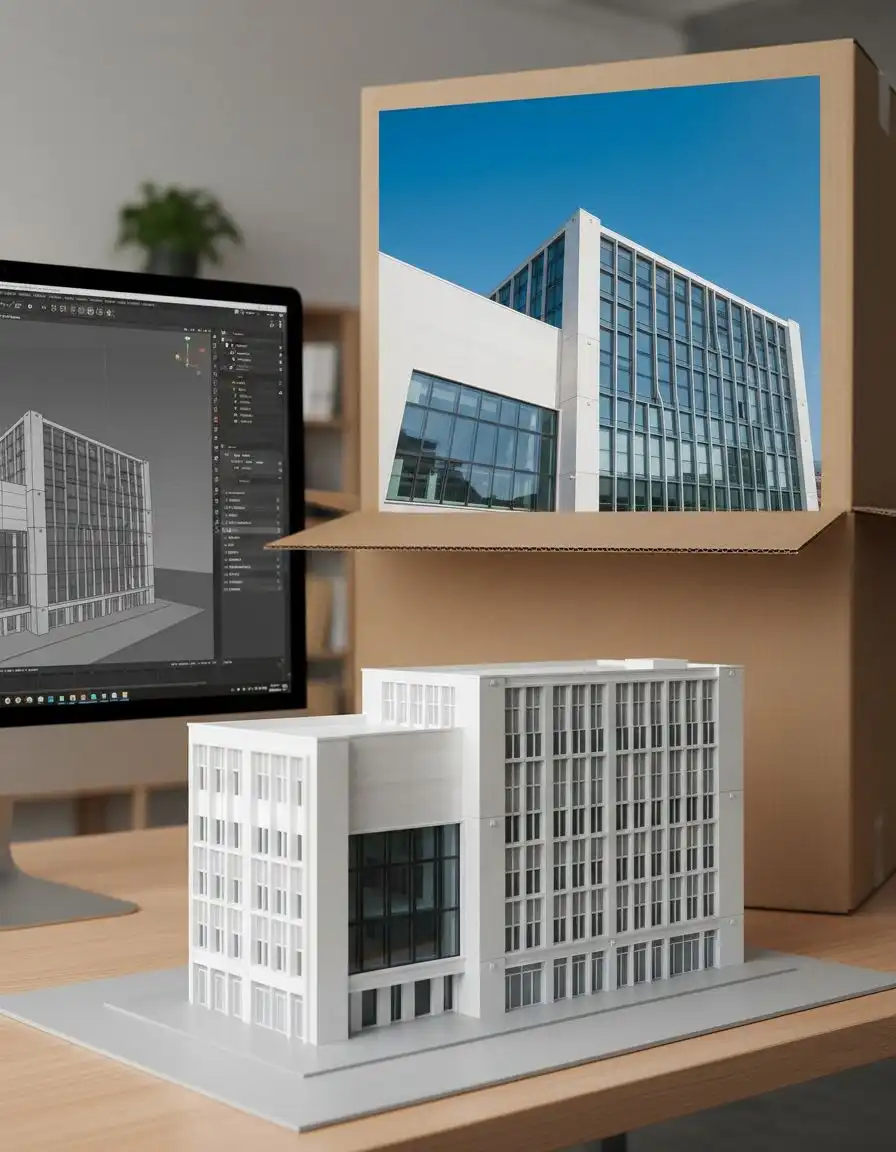 ArchitectureImage prompt
An architectural visualization prompt with material, time-of-day, and camera position.
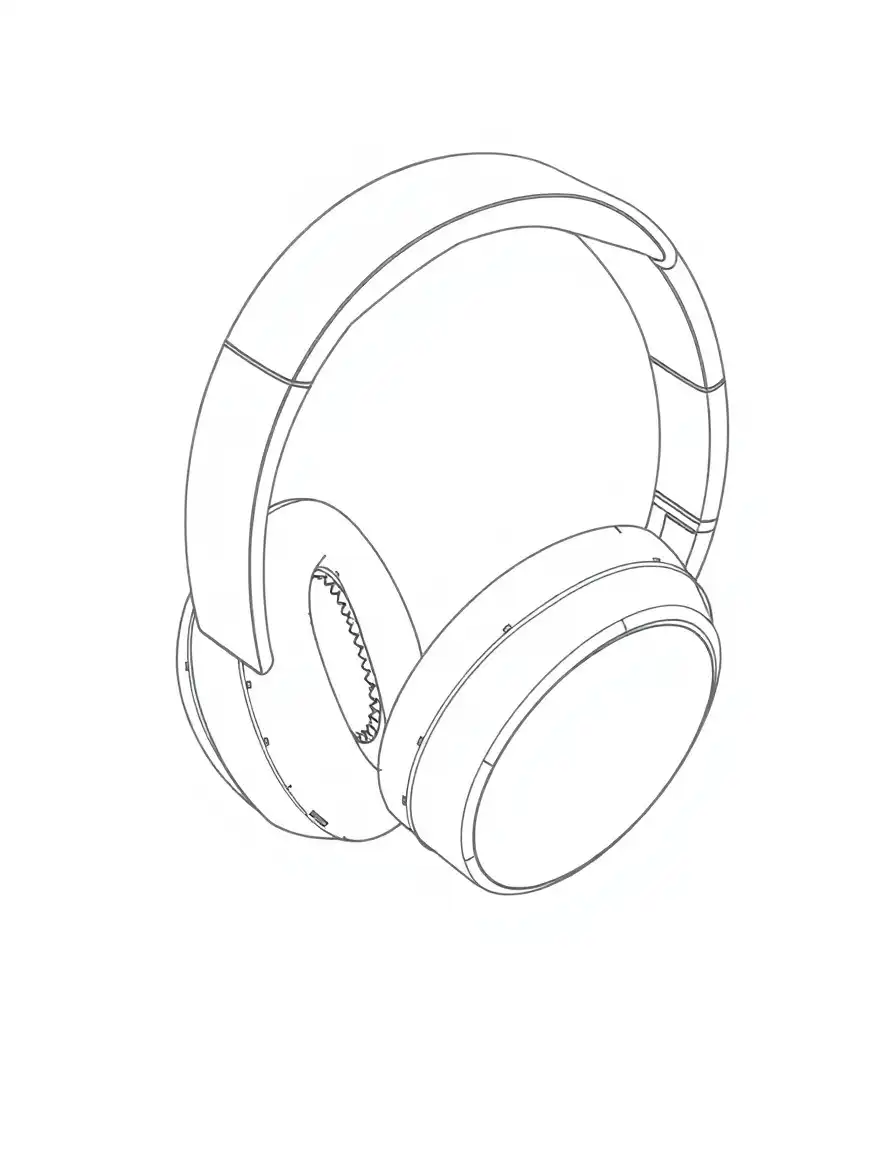 ProductImage prompt
A brand-system prompt that organizes packaging, typography, and tactile materials.
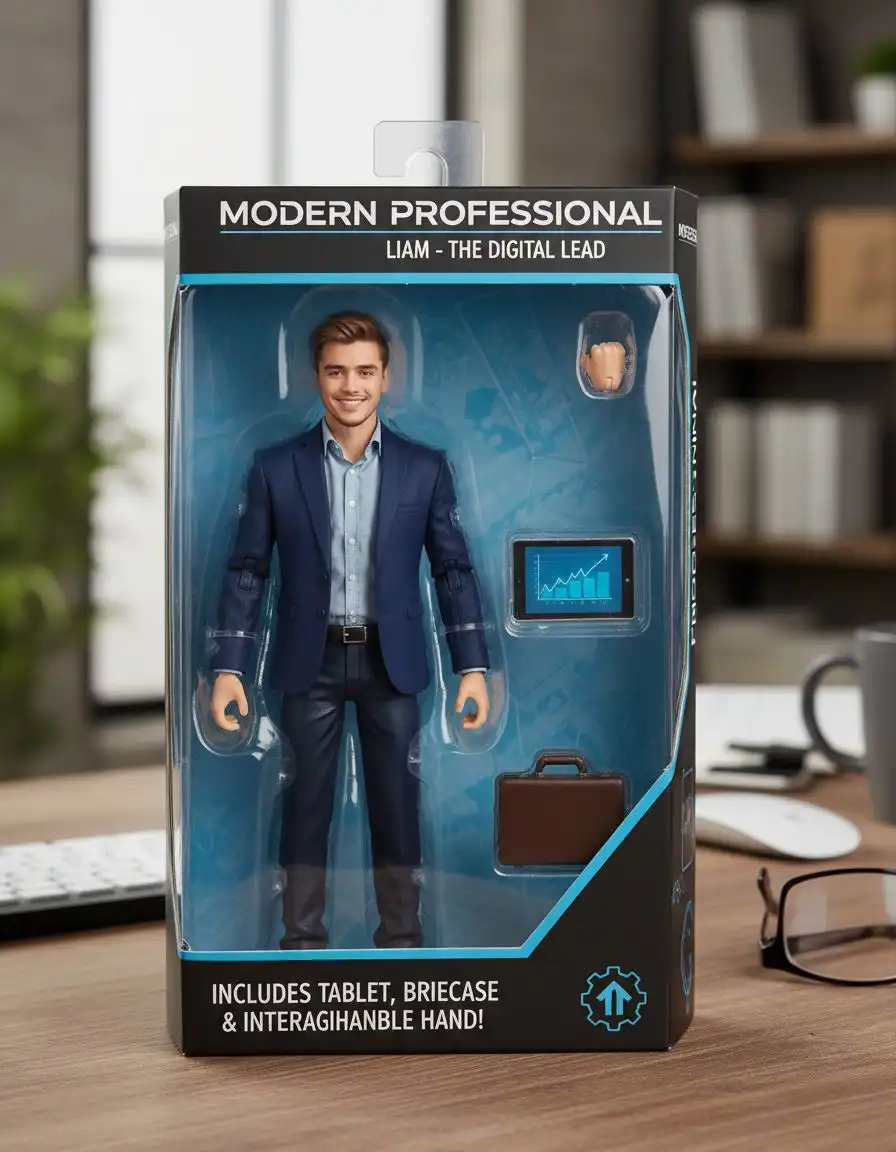 ProductImage prompt
A packaging prompt with clear accessory placement, text limits, and shelf-ready lighting.
 CinematicImage prompt
A surreal environment prompt grounded by scale, camera position, and physical light.
Use these facts to keep each z image prompt accurate and product-aligned.
Official documentation and Clipin's live registry guide every z image prompt. Examples use original editorial wording rather than copied commercial prompts.
A useful z image prompt example starts with a concrete subject and composition, then adds the scene, composition, lighting, text if needed, finish decisions that matter to the result.
Yes. Clipin exposes Z-Image Turbo; each recipe opens the matching generator for review without auto-submitting.
No. Prompts are starting directions, not deterministic promises. Reference media, provider updates, aspect ratio, and other controls can change the output.