
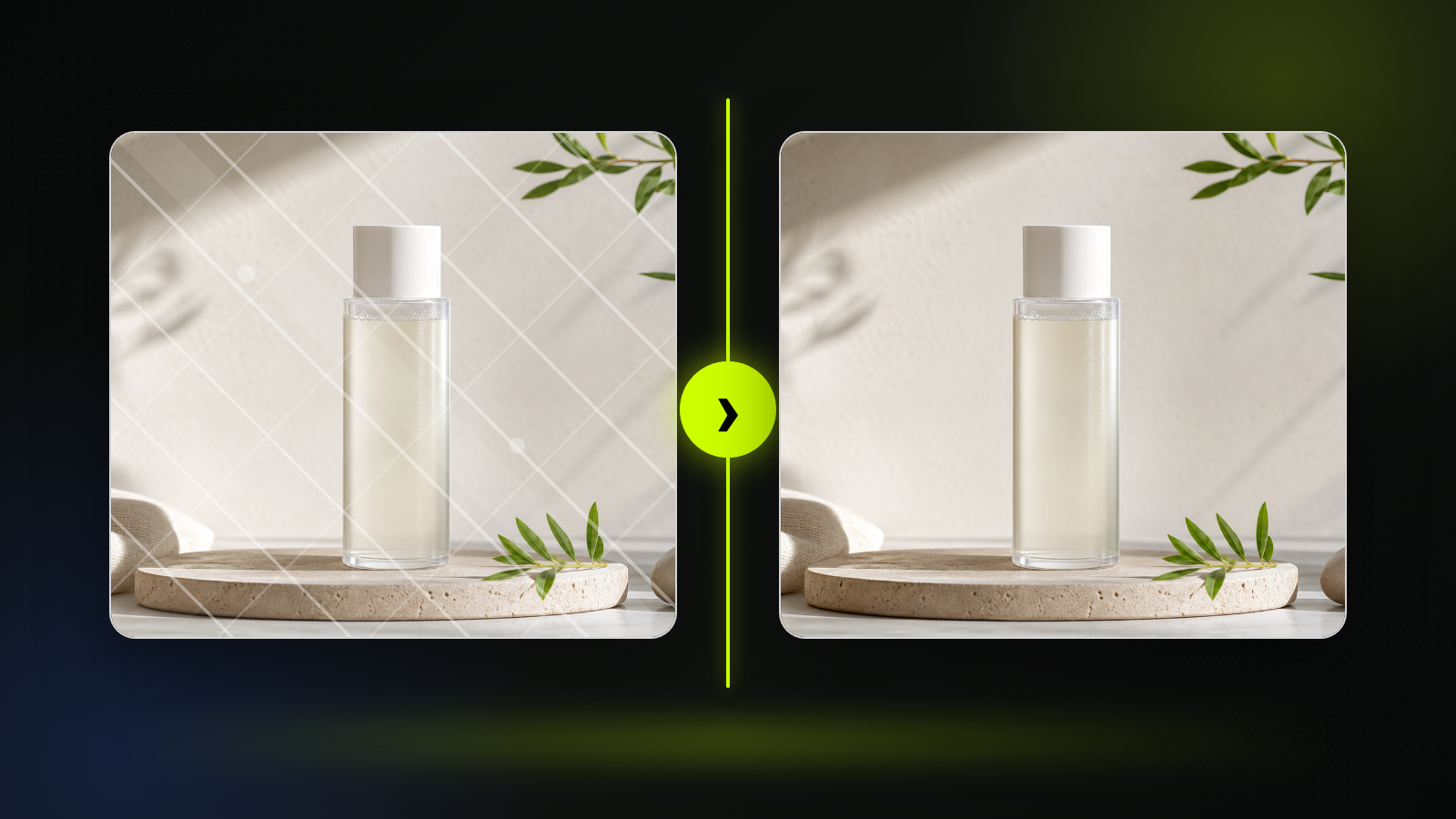
Practical fit
AI watermark remover: practical buying guide
Use this page to decide whether AI Watermark Remover is the right Clipin workflow before you spend more credits, not as a promise that every generation will be final on the first try.
When this page is a good fit
- AI watermark remover is useful when cleaning images you own or have permission to edit when a visible mark or object distracts from the asset.
- Choose AI watermark remover when you need to inspect the cleaned area and confirm you have usage rights before publishing.
- AI watermark remover is worth credits when you frequently prepare authorized product, archive, or creator images that need cleanup.
- Use AI watermark remover output as the cleaned image can move into editing, product layouts, thumbnails, or restoration workflows.
- Review AI watermark remover results before scaling a batch.
- AI watermark remover works best when the source material and prompt are clear.
- Keep AI watermark remover realistic: the tool does not grant rights, remove legal obligations, or make unauthorized use acceptable.
- Compare AI watermark remover variations before buying more credits.
- AI watermark remover can support paid projects when the result passes your own review.
- Start small with AI watermark remover, then spend more only after one result proves useful.
- AI watermark remover should save time without replacing judgment, rights checks, or creative review.
- Use AI watermark remover inside Clipin when you want a practical asset, not just a demo result.
Related workflows to understand first
remove watermark helps when you need to remove watermark marks only from images you may lawfully edit.
Use remove watermark as a checkpoint before spending more credits.
remove watermark should produce an asset you can inspect, keep, edit, or reject.
object removal helps when you want object cleanup as part of a broader image editing workflow.
Use object removal as a checkpoint before spending more credits.
object removal should produce an asset you can inspect, keep, edit, or reject.
cleanup image helps when you need a cleanup image step before publishing or reusing an authorized asset.
Use cleanup image as a checkpoint before spending more credits.
cleanup image should produce an asset you can inspect, keep, edit, or reject.
What the AI Watermark Remover Actually Supports
This page frames watermark removal as a careful one-image cleanup utility, not a shortcut for bypassing ownership, copyright, or platform rules.
One Authorized Source Image
The tool works from a single uploaded image. Use it for your own product mockups, draft overlays, test graphics, or licensed visuals that allow editing.
Visible Watermark Removal
Use the page when the task is to remove watermark text, semi-transparent marks, review stamps, or draft overlays from an image you are allowed to edit.
Not a General Editor
The primary job is watermark cleanup. For broad retouching or a full image-editing workflow, choose the matching image tool when available.
Practical Image Review
The AI watermark remover can create a cleaner draft, but you should still check reconstructed textures, repeated patterns, and text areas before publishing.
Works With Other Image Tools
Move a cleanup image into an AI image editor for refinements, background remover for transparent assets, or image upscaler for a sharper final pass.
Authorized Use Boundaries
Do not use the AI watermark remover to remove ownership marks from outside media, marketplace previews, stock images, or any image you are not allowed to edit.
Creator Asset Preparation
Use watermark removal tasks only when the mark is yours or authorized, then keep the result as a creator asset for thumbnails, product cards, or internal review boards.
Clear Editing Boundaries
This is an editing tool. It does not verify ownership, transfer usage rights, or make restricted content acceptable to use.
Still-Image Workflow
This page treats each result as still-image material. Pair the result with AI image editing, upscaling, or background cleanup before broader reuse.
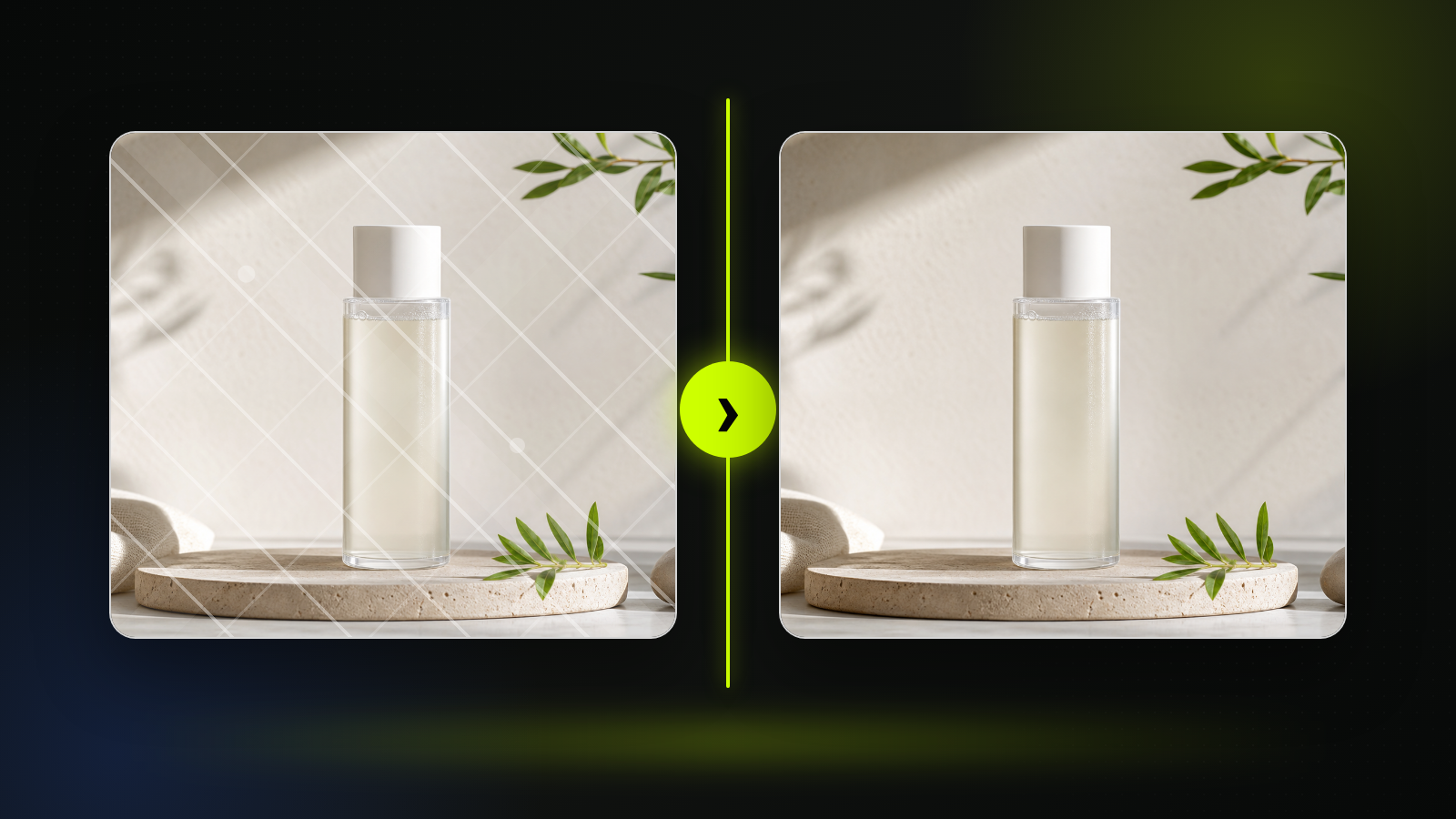
Start With Permission
Start with a source image you own, created yourself, licensed, or are otherwise allowed to modify. This AI watermark remover does not grant usage rights for outside images.
Upload One Watermarked Image
The current flow is a single-image edit. Use it to remove watermark marks from your own drafts, mockups, screenshots, or approved image assets.
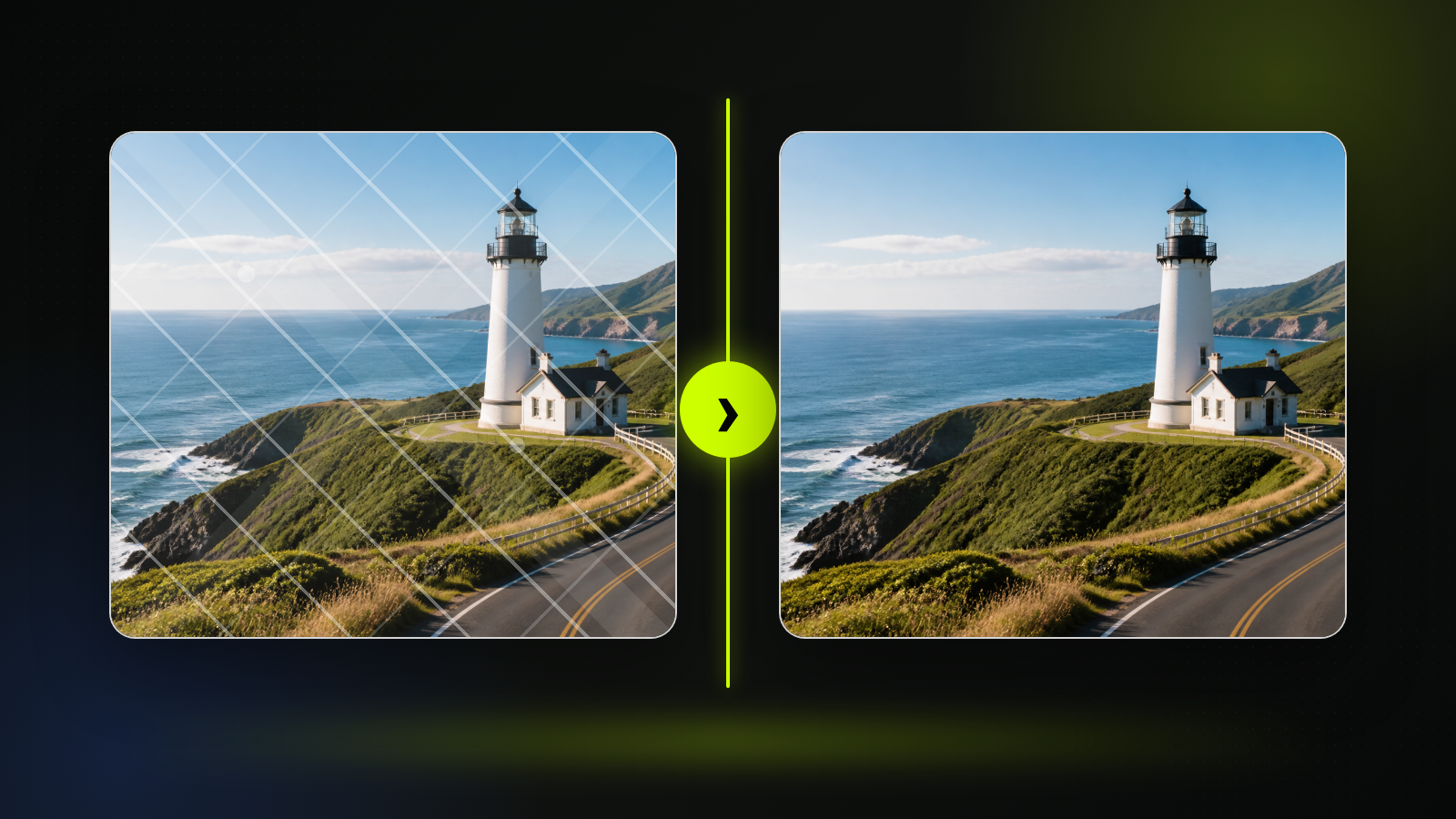
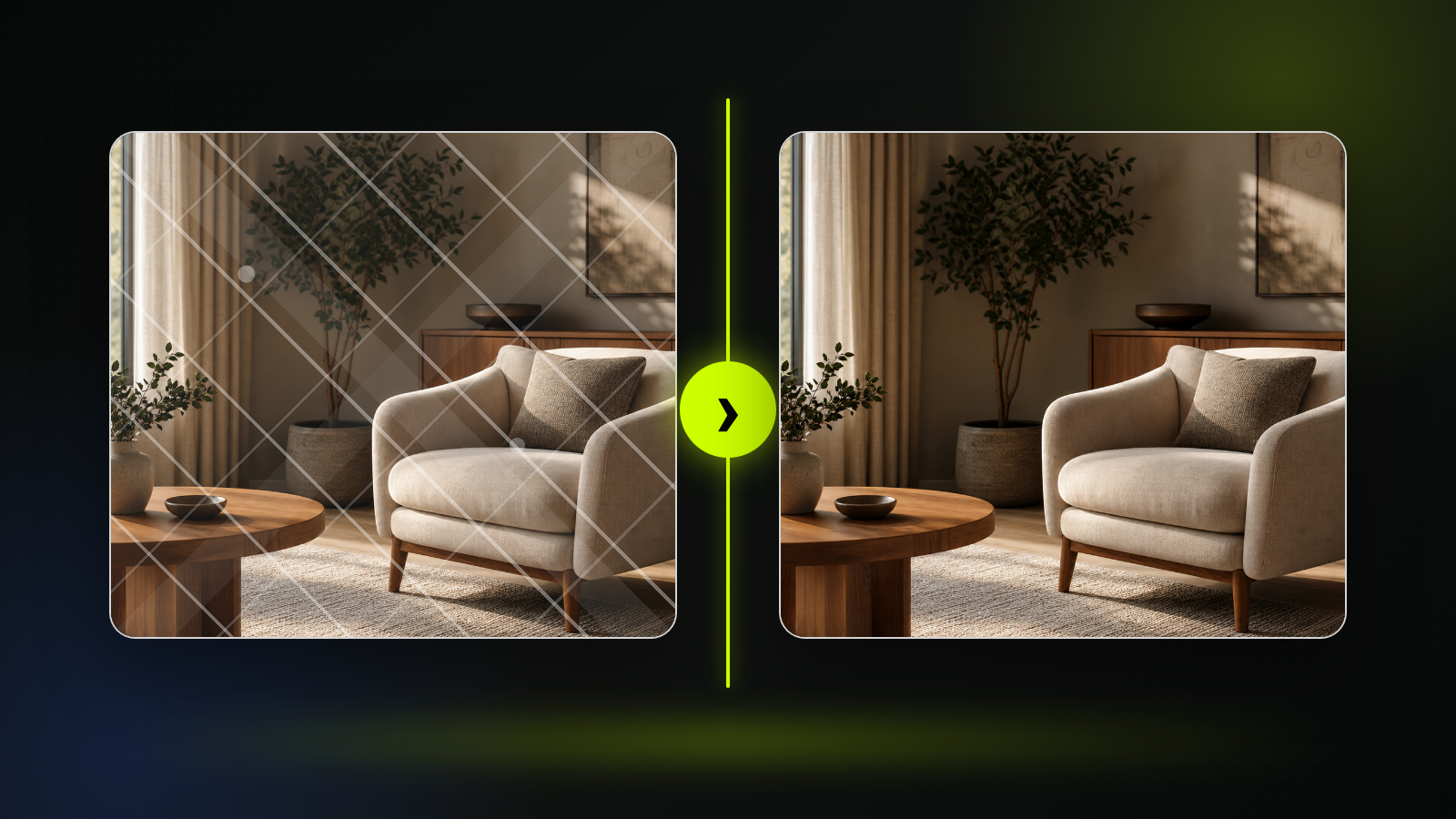
Review Before Reuse
After the AI watermark remover generates a result, inspect texture, edges, and reconstructed details before moving the cleanup image into any asset workflow.
AI Watermark Remover FAQ
- Use it for authorized image watermark cleanup when you own the source image, created the mark yourself, have a license that permits editing, or need to clean overlays from your own asset.
- No. Do not remove ownership marks from outside media, marketplace previews, stock images, creator work, or copyrighted material unless you have permission. The page does not grant usage rights.
- No. This page is focused on watermark cleanup. If your main goal is object removal or broad scene retouching, use a tool designed for that task instead.
- No. A cleanup image may need reruns or manual review, especially around faces, text, repeated patterns, and complex backgrounds. Always inspect the result before use.
- No. You are responsible for confirming that the source image and requested cleanup are allowed. This is an editing workflow, not legal clearance.
- Use the edited image in an AI image editor, image upscaler, background remover, or asset review board when needed. Keep the original file and review the result before publishing.
- Confirm that the source image is yours or licensed for editing, inspect the generated cleanup, and keep the final use inside the rights you already have.
- The page targets AI watermark remover as the main term, with supporting phrases such as remove watermark and cleanup image used only inside the authorized image-editing context.
- This page is written around the current single-image workflow. If you need several authorized edits, run the task separately and review each result.
- The strongest pairings are AI image editor, image upscaler, background remover, and image generator when an edited image needs to become a more polished visual asset.
Related Clipin tools
Continue from this tool into the adjacent generator, editor, or pricing page.