NSFW images are not allowed. All image uploads are checked.
MiniMax H3 Recast AI Video Generator
MiniMax H3 Recast replaces the main people in a source video with people from reference photos, and tracks each person across shots. Upload a 5–30 second video and one photo for each new person. The published description says the model aims to preserve the original motion, gestures, camera, shot timing, and soundtrack. The output is the recast video, with the source sound.
MiniMax H3 Recast takes a source video, reference photos, an optional prompt, a resolution, and an enhance-realism switch.
MiniMax H3 Recast
Source video, 5 to 30 seconds
Upload a source video of 5 to 30 seconds. Keep each shot to 15 seconds or less. MiniMax H3 Recast accepts MP4, MOV, and WebM on this page, and it aims to keep that clip’s motion, gestures, camera, shot timing, and soundtrack.
Source clip
One photo per new person
Add 1 to 4 photos, one for each new person. MiniMax H3 Recast uses them to replace the main people from left to right, in every shot those people appear in. A prompt can name a different match. Photos do not add a separate credit charge.
Optional prompt
The prompt is optional. Turn it on to say which photo replaces which person, or what to keep or change. Leave it off and MiniMax H3 Recast still replaces the main people from left to right. The photos are labeled Image 1, Image 2, and so on, so the prompt can point at a specific photo.
768P or 1080P
Choose 768P or 1080P before you generate. MiniMax H3 Recast starts at 768P. 1080P is the sharper option and uses more credits for the same clip.
Enhance realism
Enhance realism asks for more natural skin textures and better blending of the new people into the scene. MiniMax H3 Recast starts with it on. Turn it off when you want the recast without that extra pass.
Credits follow the clip
Credits depend on how long the video is and whether you choose 768P or 1080P. There is no separate duration control. A 10-second clip at 768P costs about 250 credits, and the same clip at 1080P costs about 375 credits. Photos do not change that cost.
Made with Clipin
Use cases
MiniMax H3 Recast replaces people in a video you already have. Use the clip, the photos, and the optional prompt to set up the change.
01
Replace one presenter
Upload one photo for the person who should change, and add a prompt if more than one person is in the source. It aims to keep the original motion, gestures, camera, shot timing, and soundtrack. The finished video includes the source sound, so the prompt is for who appears and what else to keep or change.
02
Assign photos in a multi-person scene
Upload one photo per person, up to four. A prompt can say who becomes whom. With the prompt off, the main people are replaced from left to right, each in every shot they appear in. The photo slots are labeled Image 1 onward when you want the prompt to name one.
03
Say what should stay
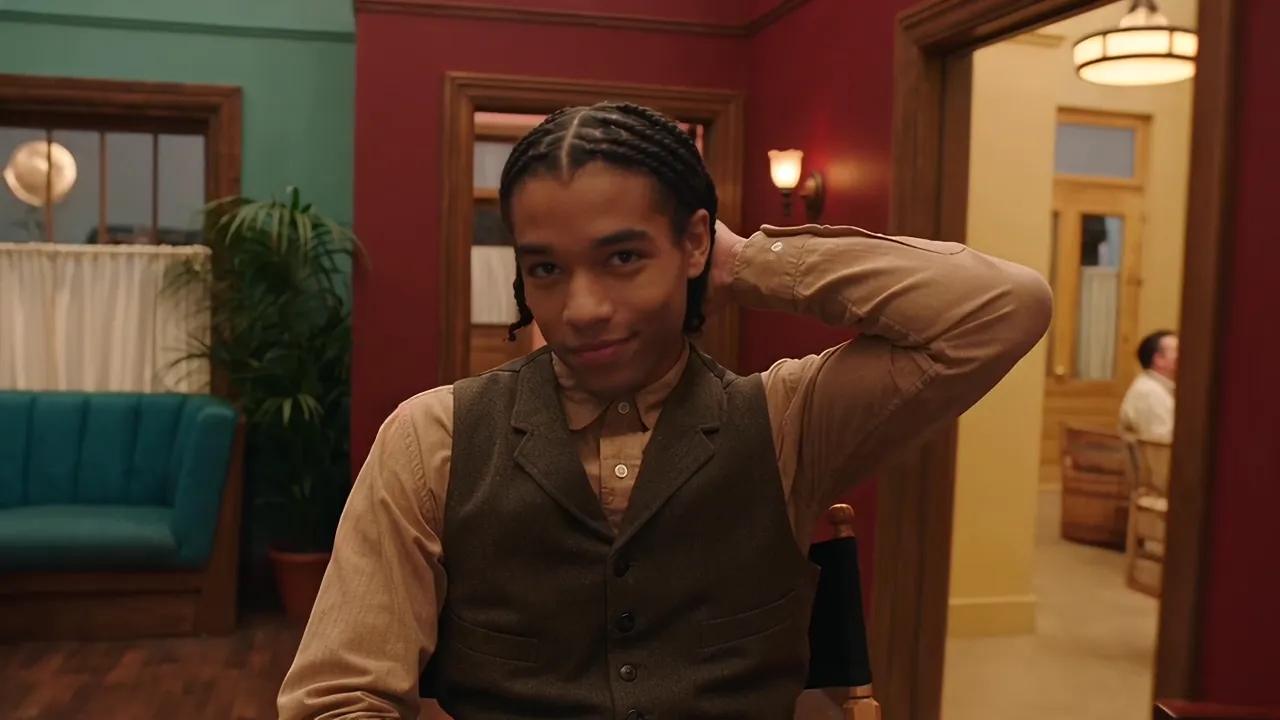
The optional prompt can name details to keep or change, such as clothing or the background. It still aims to keep the motion, gestures, camera, shot timing, and soundtrack. Compare the result with your source clip. The two videos on this page are the published example, so a later generation can look different.
Start free. Grow when you’re ready.
One credit balance for video, image, and voiceover creation.
Starter
For occasional creation
$24/month$29
Billed $288 yearly · Save $60
Models included
MiniMax H3
Seedance
FLUX 3
Seedream
Nano Banana
500 credits per month
Up to 13 fast videos
Up to 166 images
UGC templates & Story creation
Image generation & editing
AI voiceovers
Preview & download
Credit top-ups available
Recommended
Creator
For regular content creation
$65/month$79
Billed $780 yearly · Save $168
Models included
MiniMax H3
Seedance
FLUX 3
Seedream
Nano Banana
1,600 credits per month
Up to 42 fast videos
Up to 533 images
UGC templates & Story creation
Image generation & editing
AI voiceovers
Preview & download
Credit top-ups available
Lowest credit price
Studio
For high-volume creation
$182/month$199
Billed $2,184 yearly · Save $204
Models included
MiniMax H3
Seedance
FLUX 3
Seedream
Nano Banana
5,400 credits per month
Up to 142 fast videos
Up to 1,800 images
UGC templates & Story creation
Image generation & editing
AI voiceovers
Preview & download
Credit top-ups available
Credits are shared across images, videos and voiceovers. Monthly credits don’t roll over.
It aims to keep the original motion, gestures, camera, shot timing, and soundtrack, including the cuts and the source audio. The video you get includes that source sound. You supply the new people with reference photos.
How long can a MiniMax H3 Recast source video be?
Use a source video of 5 to 30 seconds, and keep each shot to 15 seconds or less. This page accepts MP4, MOV, and WebM.
How many photos does MiniMax H3 Recast need?
Add one photo per new person, from 1 to 4. Without a prompt, those photos replace the main people from left to right, in every shot they appear in.
What if the prompt is left empty?
The prompt is optional. Without one, the main people are replaced from left to right, each in every shot they appear in. Turn it on when you need to say who becomes whom, or what else to keep or change.
Which MiniMax H3 Recast resolution should I use?
The form starts at 768P, and you can switch to 1080P before you generate. 1080P is sharper and uses more credits for the same clip.
What does enhance realism change?
It asks for more natural skin textures and better blending of the new people into the scene. It starts on, and you can turn it off.
How many credits does a MiniMax H3 Recast clip use?
Credits depend on the video length and the resolution. A 10-second clip costs about 250 credits at 768P and about 375 credits at 1080P. Photos do not add a separate charge.
Are the example videos a benchmark?
No. They are the published source clip and the published result for this model. A new generation can look different.
Try a clip with MiniMax H3 Recast.
Upload a source video, add one photo per person, and check the credit estimate before you generate.
 MiniMax H3 Recast