
AI Sticker Generator for Custom Sticker Assets
Use the AI sticker generator when a creator post, product launch, or community update needs playful still-image assets. Write a prompt, choose how many outputs to generate, and create sticker concepts for reaction packs, product badges, profile graphics, and content kits.
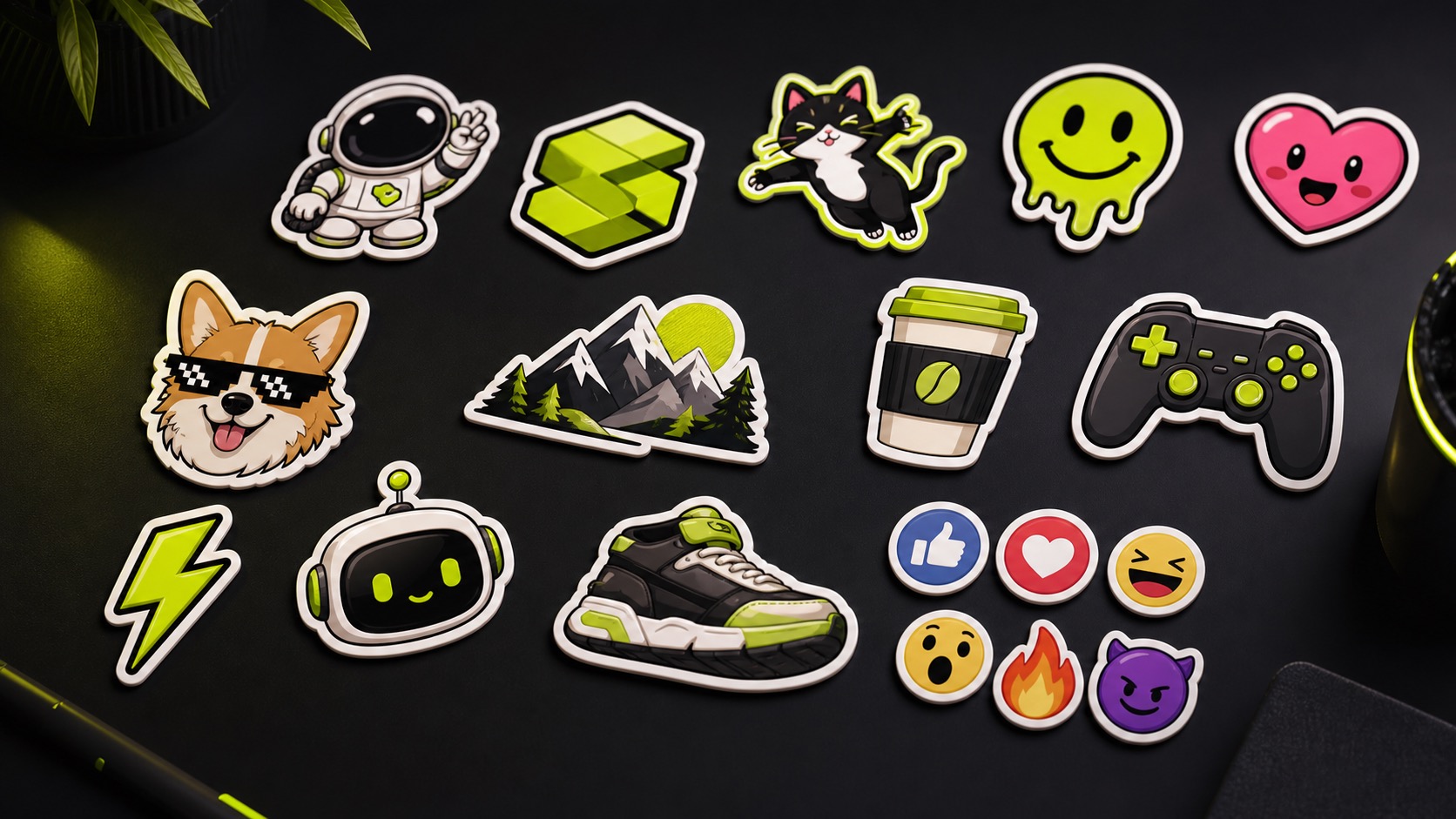
Practical fit
AI sticker generator: practical buying guide
Use this page to decide whether AI Sticker Generator is the right Clipin workflow before you spend more credits, not as a promise that every generation will be final on the first try.
When this page is a good fit
- AI sticker generator is useful when making social sticker ideas, reaction graphics, creator overlays, and playful image assets.
- Choose AI sticker generator when you need to check style, readability, transparency, and audience fit before using a sticker.
- AI sticker generator is worth credits when you want several related sticker options for a campaign, profile, or creator content pack.
- Use AI sticker generator output as the sticker can support thumbnails, stories, social posts, or later Clipin video overlays.
- Review AI sticker generator results before scaling a batch.
- AI sticker generator works best when the source material and prompt are clear.
- Keep AI sticker generator realistic: the result is a generated asset draft and should avoid protected characters or unauthorized likenesses.
- Compare AI sticker generator variations before buying more credits.
- AI sticker generator can support paid projects when the result passes your own review.
- Start small with AI sticker generator, then spend more only after one result proves useful.
- AI sticker generator should save time without replacing judgment, rights checks, or creative review.
- Use AI sticker generator inside Clipin when you want a practical asset, not just a demo result.
Related workflows to understand first
custom sticker maker helps when you want a custom sticker direction for social content.
Use custom sticker maker as a checkpoint before spending more credits.
custom sticker maker should produce an asset you can inspect, keep, edit, or reject.
sticker AI helps when you need a sticker-specific generation step rather than a generic image prompt.
Use sticker AI as a checkpoint before spending more credits.
sticker AI should produce an asset you can inspect, keep, edit, or reject.
social stickers helps when you are preparing small social assets that still need review.
Use social stickers as a checkpoint before spending more credits.
social stickers should produce an asset you can inspect, keep, edit, or reject.
Why Use the AI Sticker Generator?
the AI sticker generator is a long-tail social asset page for creators who need quick sticker concepts for thumbnails, captions, stories, profile packs, and product callouts.
Prompt-Based Sticker Creation
Describe the subject, pose, mood, outline, color direction, and platform context. A clear sticker prompt gives the AI sticker generator a better chance of producing usable concepts.
Random Prompt Starting Points
If you are not sure what to make, use the random prompt option to explore sticker ideas. This keeps sticker AI useful as a brainstorming step rather than a blank text box.
Prompt Enhancement for Paid Plans
Paid users can enhance a short idea into a richer prompt before generation. That helps when your sticker assets need a stronger visual style, clearer character, or more specific scene detail.
Output Count Control
Generate 1-10 images from the same sticker prompt. The AI sticker generator can therefore create a small set of options for a creator pack, product label idea, or social media campaign.
Credit-Aware Social Asset Drafting
Each current sticker output uses 5 credits. Use the custom sticker maker flow for selected reaction graphics, launch badges, emoji-like visuals, or social decoration ideas.
Sticker Assets for Creator Workflows
Social stickers can add tone and personality to posts, creator packs, product stories, and profile refreshes. The generated assets can later move into image editing, logo creation, or asset planning tools.
Useful for Thumbnail and Overlay Ideas
A sticker concept can become a thumbnail accent, callout badge, reaction face, sale marker, or intro-card detail. Sticker AI is most useful when the result becomes part of a larger content layout.
Short Processing Loop
The current task estimate is about 15s, though queue and service conditions can vary. Run the AI sticker generator, review the outputs, and keep the strongest candidates for your content kit.
Honest Scope for Sticker Work
This page does not expose direct text editing, shape controls, die-cut settings, or print production options. Treat generated output as concept material that may need review and cleanup.
Turn a Prompt Into Sticker Concepts
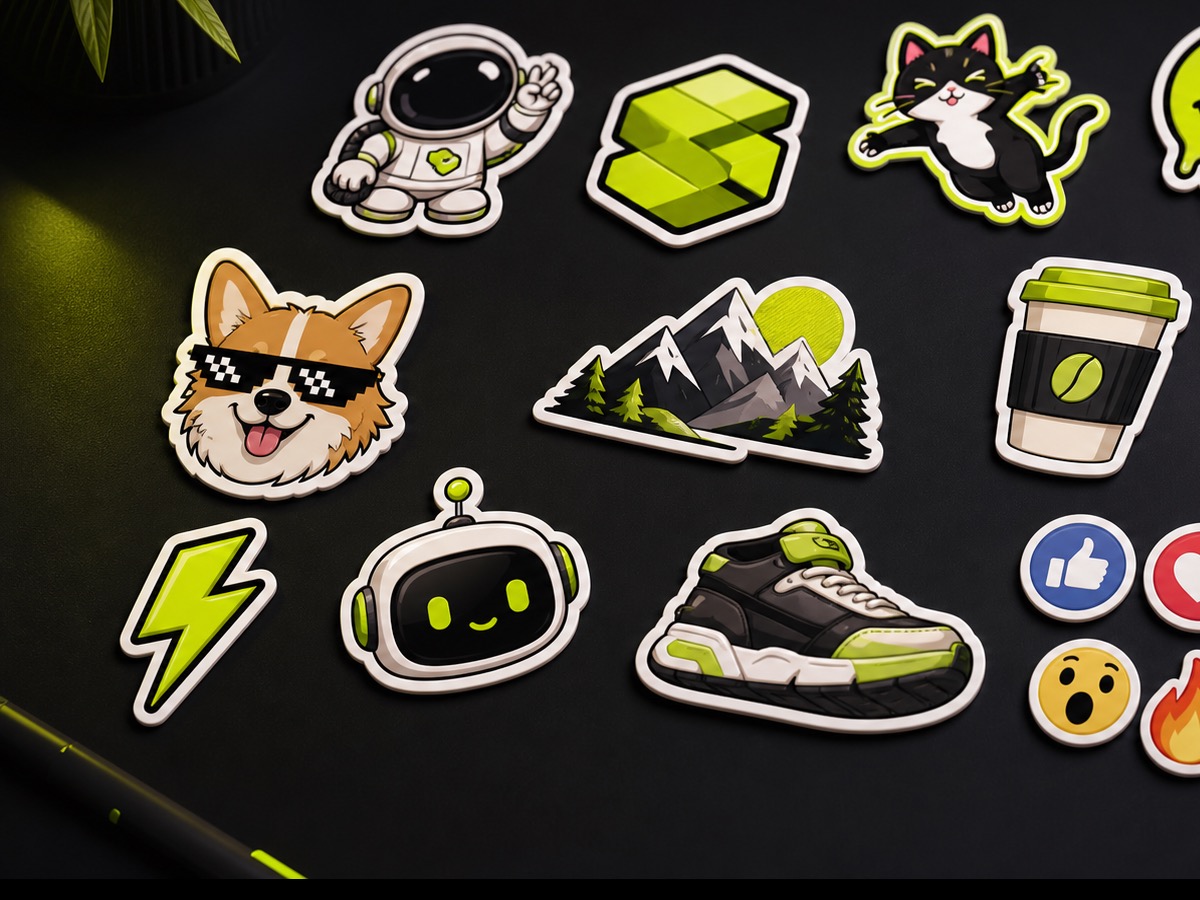
The AI sticker generator uses a prompt-first flow. Describe the character, object, emotion, style, and use case, then review the generated sticker images in the task list.
Create More Than One Option
Use the output count control to create 1-10 sticker concepts in a run. Each image uses the current 5-credit task cost, so pick the number that fits the creative decision you need.
Build Social Stickers for a Content Kit
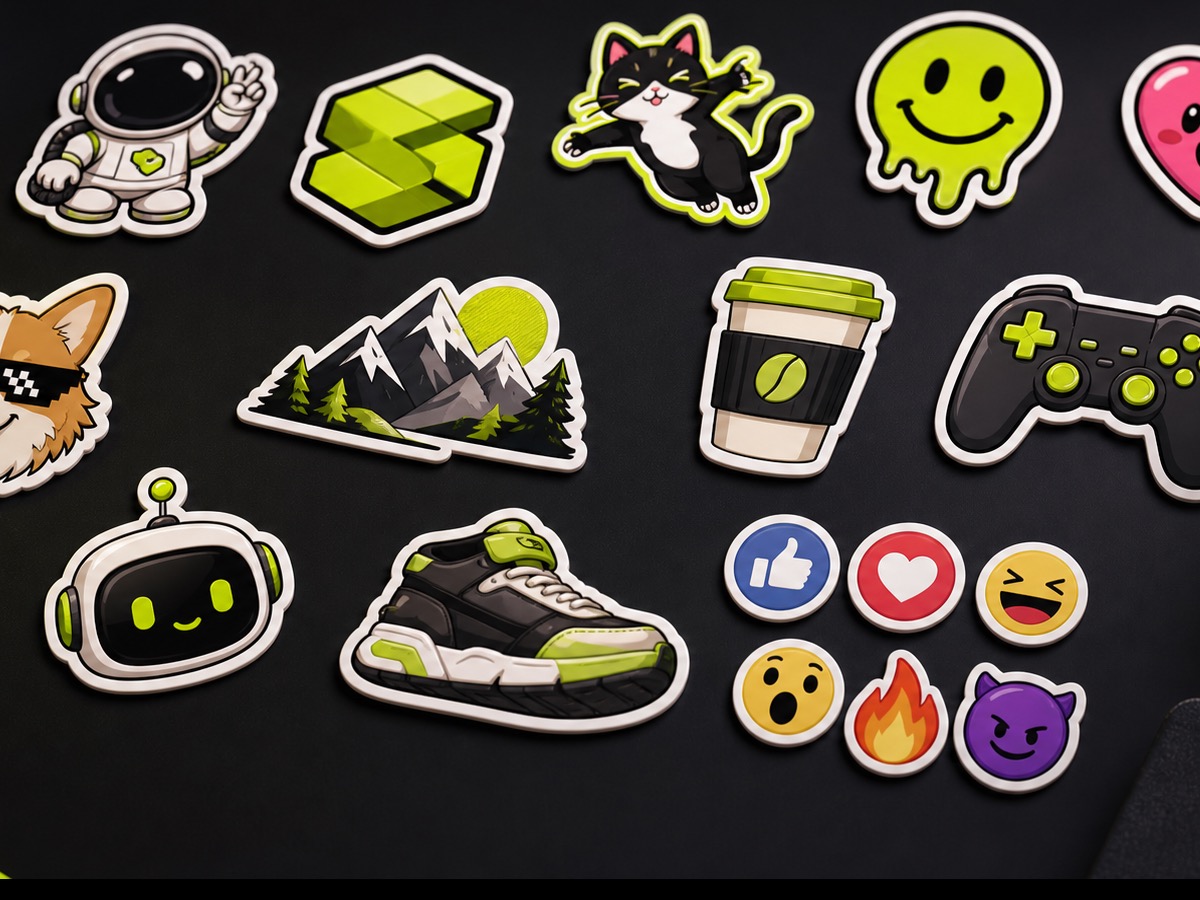
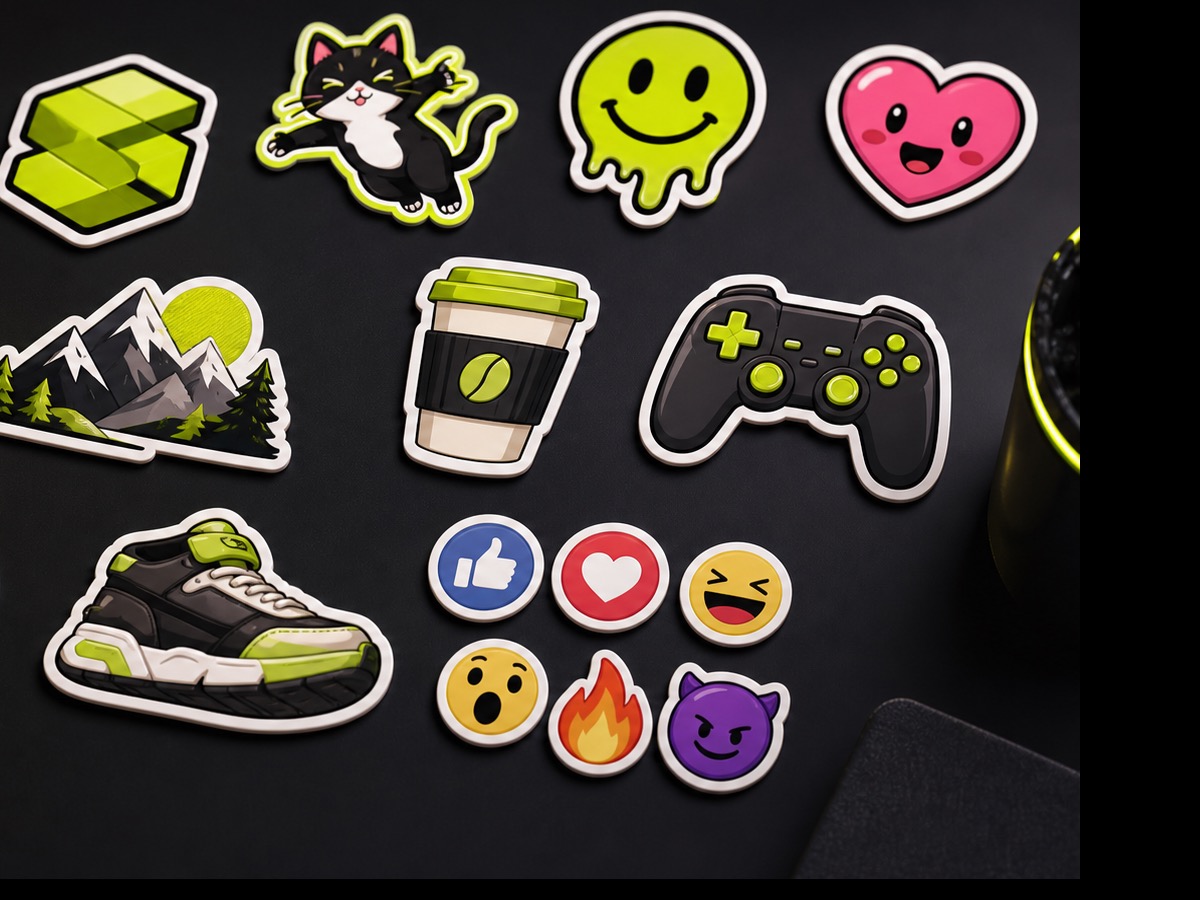
Sticker output can support creator reactions, product callouts, launch graphics, story frames, and profile packs before the asset moves into editing or publishing.
Sticker Generator Questions
- the AI sticker generator helps create sticker concepts from text prompts for social posts, thumbnails, creator packs, product callouts, and visual asset boards.
- Write a prompt, optionally improve it if your plan supports prompt enhancement, choose 1-10 outputs, and start the task. The generated stickers appear in the task list.
- The current flow is prompt-only. Use the prompt to describe the sticker subject, style, and use case rather than uploading a reference image.
- The current task uses 5 credits per output image. If you select multiple outputs, the total cost scales with that output count.
- Yes. Use a custom sticker maker prompt when you need a mascot, reaction graphic, product badge, channel icon, or campaign-specific sticker concept.
- Mention the subject, expression, outline, color palette, mood, and placement. For example, describe whether the sticker is for a story overlay, thumbnail, emoji pack, or product launch.
- The current task estimate is about 15s, but actual timing can vary. Review the generated social stickers in the task list when the run completes.
- No production controls are exposed on this page. Sticker output should be treated as digital concept material unless you separately prepare it for a specific channel.
- A sticker can become a reaction marker, callout, CTA badge, character prop, profile accent, or story decoration. That makes small visual accents useful inside a broader content workflow.
- Sticker output pairs well with an AI image editor, logo generator, background remover, and image upscaler when a small visual accent needs to become part of a content asset.
Related Clipin tools
Continue from this tool into the adjacent generator, editor, or pricing page.