Practical fit
Free AI Image Generator: practical buying guide
Use this page to decide whether Free AI Image Generator is the right Clipin workflow before you spend more credits, not as a promise that every generation will be final on the first try.
When this page is a good fit
- Free AI Image Generator is useful when creating still visuals, product concepts, thumbnail ideas, and reference images from text prompts.
- Choose Free AI Image Generator when you need to judge whether the generated still is useful before editing or animating it.
- Free AI Image Generator is worth credits when you want multiple image directions for ads, creator visuals, products, or video planning.
- Use Free AI Image Generator output as the still can move into Clipin image editing, background removal, upscaling, or video generation.
- Review Free AI Image Generator results before scaling a batch.
- Free AI Image Generator works best when the source material and prompt are clear.
- Keep Free AI Image Generator realistic: prompt quality, source rights, and final review still determine whether an image is usable.
- Compare Free AI Image Generator variations before buying more credits.
- Free AI Image Generator can support paid projects when the result passes your own review.
- Start small with Free AI Image Generator, then spend more only after one result proves useful.
- Free AI Image Generator should save time without replacing judgment, rights checks, or creative review.
Related workflows to understand first
text to image helps when you want text-to-image generation for visual ideas before editing.
Use text to image as a checkpoint before spending more credits.
text to image should produce an asset you can inspect, keep, edit, or reject.
A good text to image result should match the page goal and the source material.
text to image is strongest when you can explain what a usable result looks like before generation.
A Faster Free AI Image Generator
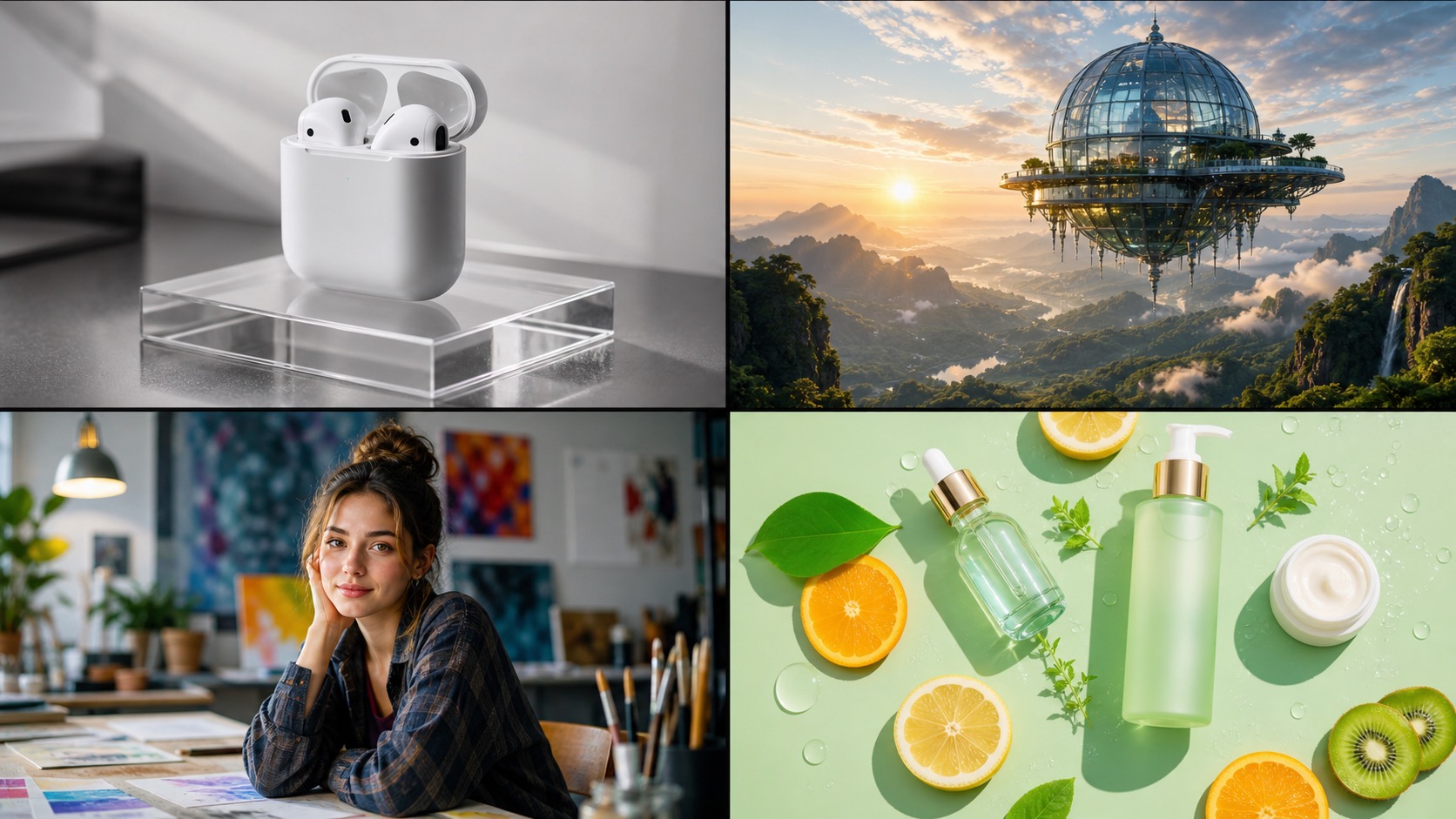
Text to image AI that generates after processing. Use references to steer composition, pick any aspect ratio or resolution, and get AI image outputs ready for social, web, print, or product planning.
Text to Image after processing
Type a prompt and review the generated image after processing. The text to image AI works for product photos, social media visuals, concept art, illustrations, backgrounds, and other described scenes.
Reference-Guided AI Image Generator
Upload a photo or artwork as a reference to guide style, composition, or subject toward what you have in mind. Combine text to image prompts with references for tighter control.
Multiple Resolutions Up to 4K
Pick the resolution that fits, from web-ready renders to 4K outputs suitable for larger displays, print tests, and design review. Different quality tiers can come from the same prompt.
Any Aspect Ratio
Generate in square, portrait, landscape, widescreen, or other ratios. The AI image generator matches output format to where the image lands — profile, listing, website banner, presentation, or print.
No Design Skills Required
You don't need Photoshop, prompt engineering, or AI jargon to get useful results. Write what you want and let the AI image generator create a first draft.
Fast Iteration
Generate multiple variations from the same prompt after processing. Tweak the description, swap style, or try a new aspect ratio — the AI image generator loops fast enough to keep your momentum.
Usage Terms Depend on Plan and Source Material
Use generated images according to the current plan terms, provider rules, source assets, and your own review. Check rights before using outputs in ads, client work, websites, social posts, or published materials.
Works with the Image Editor
Send a generated still into an AI image editor when it needs cleanup, a background change, or a different visual style. One account keeps generation, edits, and downloads together.
Permanent Image Storage
Paid plan subscribers get permanent access to every image the AI image generator has produced. Revisit, re-download, or reuse any past generation from your history at any time.
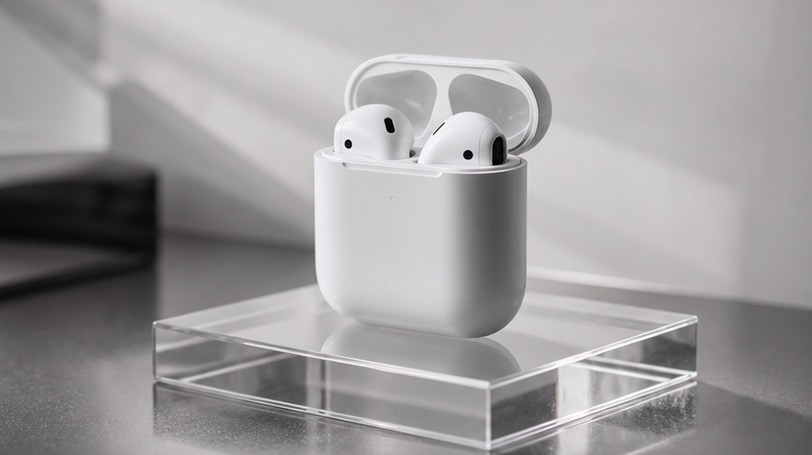
Try the Free AI Image Generator — check current access before generating
Eligible new users can receive up to 10 free credits, with regional limits applying in some locations. Generate product photos, AI art, or social graphics from a prompt, and check the current credit cost before each run.
Top Text to Image Models, one flow
Choose from image models such as Flux, Z-Image-Turbo, and more. Pick resolution up to 4K and any aspect ratio. Use the same prompt for web graphics, print tests, or visual planning.
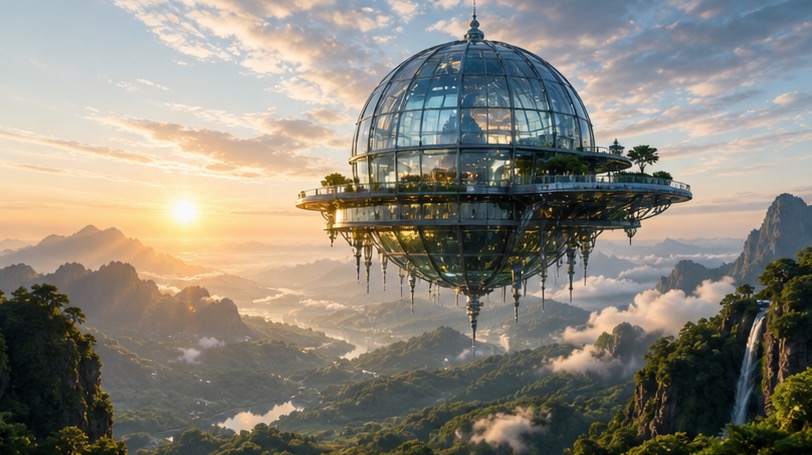
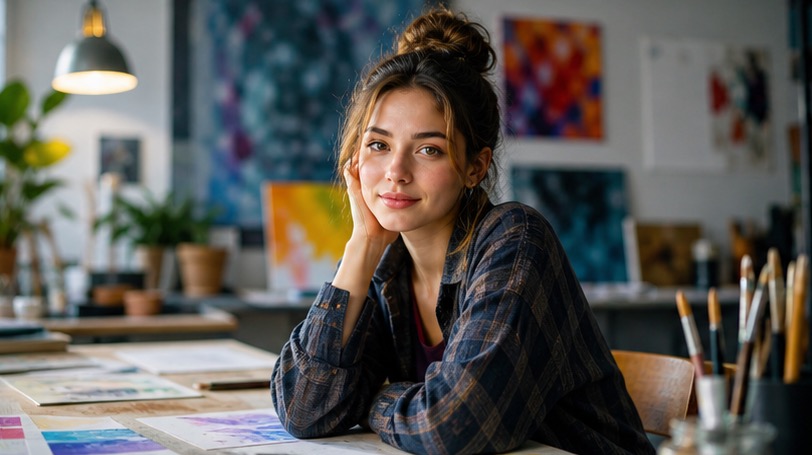
AI Image Generator Output for Reusable Visual Assets
Save generated stills as product mockups, profile visuals, reference boards, thumbnails, or scene concepts. The AI image generator keeps results in history so you can edit, download, or reuse an asset later.
Free AI Image Generator — FAQ
- Many common formats: product photos, portraits, landscapes, illustrations, concept art, social graphics, and website imagery. Reference mode can steer style with uploaded images.
- Be specific about subject, setting, lighting, and style in your prompt. Example: 'A flat-lay photo of a coffee cup on a wooden desk, morning light from the left, clean and minimal.' The more detail you give the free AI image generator, the closer the output lands to what you imagined.
- Yes. Upload a reference alongside your text to image prompt to steer style, composition, or subject. The AI image generator accepts multiple references for tighter control over output direction.
- The free AI image generator scales output from web quality up to 4K. Aspect ratios include 1:1, 16:9, 9:16, 4:3, 3:4, and more. The output can also auto-match proportions to an uploaded reference image.
- New accounts may start with free credits for the AI image generator; check the current free-credit policy before generating. The number of generations depends on the model and resolution you pick.
- Free tier images may include a small watermark. Paid plan output and usage terms depend on the current plan details shown at generation time.
- Commercial use depends on current plan terms, provider rules, source assets, and the content itself. Review those terms before using AI image generator output in published or client-facing work.
- Most text to image generations complete after processing to a minute. Fast models return under 5 seconds. Higher-quality or higher-resolution settings from the AI image generator still finish in under 2 minutes in most cases.
- Yes. Open a result in an AI image editor to clean the background, adjust the subject, or try a new visual style. You can also download the image and use it in other design tools.
- Free tier text to image outputs from the AI image generator stay available for 7 days. Paid plan subscribers get permanent access to every image the free AI image generator has produced, re-downloadable any time from history.
Related Clipin tools
Continue from this tool into the adjacent generator, editor, or pricing page.