
Nano Banana AI Image Generator for Reference Images and Product Visuals
Use the Nano Banana AI image generator to create prompt-based images, product visuals, character concepts, thumbnails, and reference image variations. Add reference images, choose JPG or PNG output, and prepare polished still assets for editing, social posts, brand work, or future content scenes.
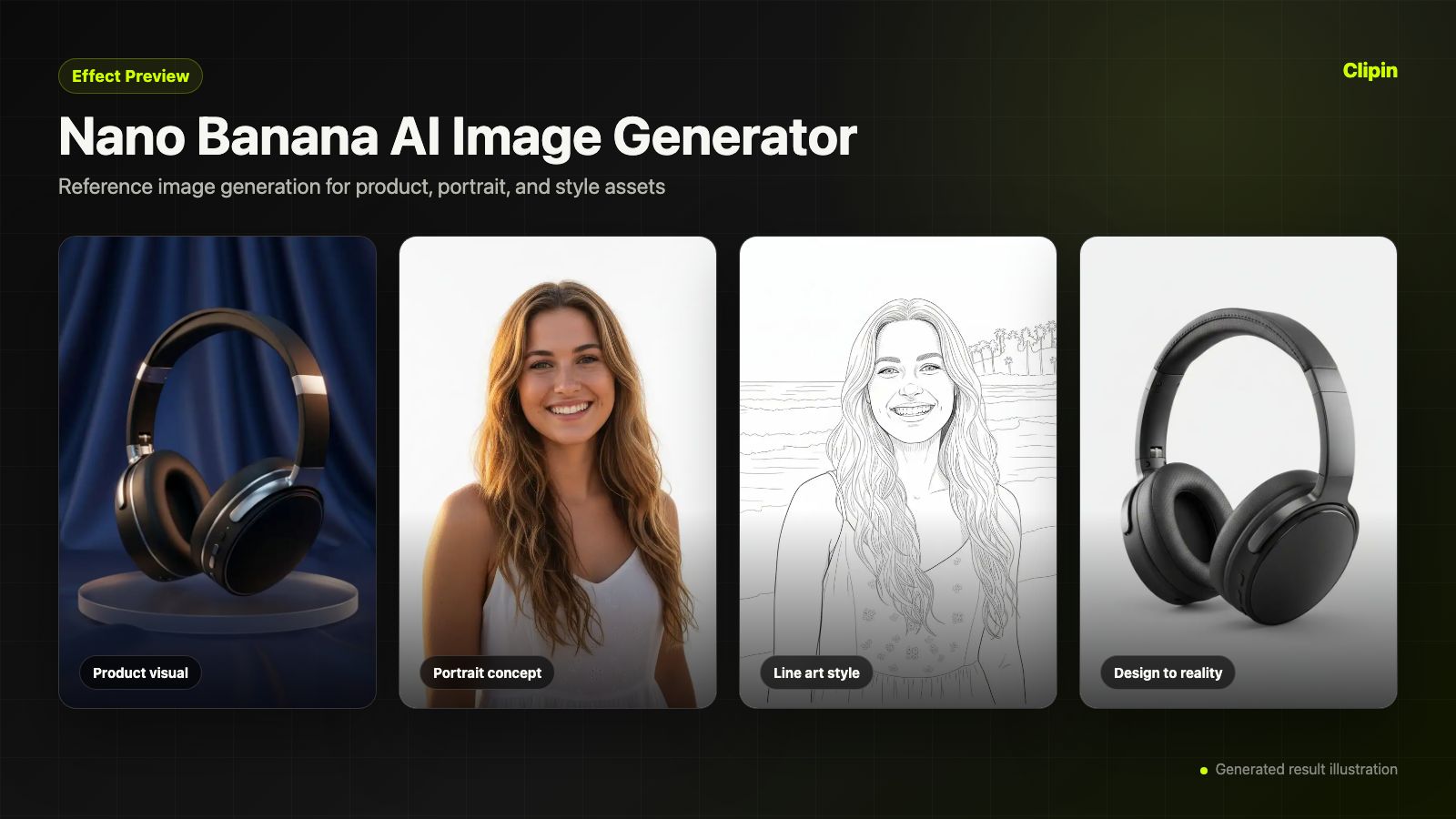
Practical fit
Nano Banana: practical buying guide
Use this page to decide whether Nano Banana AI Image Generator is the right Clipin workflow before you spend more credits, not as a promise that every generation will be final on the first try.
When this page is a good fit
- Nano Banana is useful when creating reference stills, product visuals, thumbnails, and image-editing inputs for later content work.
- Choose Nano Banana when you need to see whether a prompt or reference image creates a reusable still asset.
- Nano Banana is worth credits when you plan to produce several image directions before selecting one for editing, ads, or video planning.
- Use Nano Banana output as the still image can move into Clipin image editing, background removal, or video planning.
- Review Nano Banana results before scaling a batch.
- Nano Banana works best when the source material and prompt are clear.
- Keep Nano Banana realistic: image rights, reference quality, and prompt clarity still determine whether an output is usable.
- Compare Nano Banana variations before buying more credits.
Related workflows to understand first
Gemini image generator helps when you want Gemini-style image generation explained as a practical still-image workflow.
Use Gemini image generator as a checkpoint before spending more credits.
Gemini image generator should produce an asset you can inspect, keep, edit, or reject.
AI image editor helps when you need generated stills that can move into an editor rather than a one-off image.
Use AI image editor as a checkpoint before spending more credits.
AI image editor should produce an asset you can inspect, keep, edit, or reject.
reference image generation helps when you are building consistent visual references for products, thumbnails, or characters.
Use reference image generation as a checkpoint before spending more credits.
reference image generation should produce an asset you can inspect, keep, edit, or reject.
What the Nano Banana AI Image Generator Supports
the Nano Banana AI image generator copy is grounded in the current controls: a text prompt, optional image_input references, up to 10 reference images, prompt improvement, JPG or PNG output, 13-credit base cost, and an estimated 15-second processing label.
Prompt-Based Image Creation
Every Nano Banana AI image generator run starts with a prompt. Describe the subject, composition, lighting, style, platform context, and intended use so the generated image becomes a practical asset for design review, social publishing, brand work, or future editing.
Reference-Guided Image Support
The current Nano Banana form accepts optional reference images through image_input. Use reference image generation when you want the model to respond to a product photo, visual direction, character frame, or mood board while still following a text prompt.
Up to 10 Reference Images
the Nano Banana workflow allows multiple reference inputs, up to 10 images in the current schema. This is helpful for comparing product details, style boards, creator references, and design inputs before generating a final still.
JPG or PNG Output
Choose JPG when you want a lightweight preview and PNG when the output needs to move into an editing flow, brand mockup, or visual asset pipeline. The Nano Banana page should explain this as a practical production choice.
Prompt Improvement Before Generation
Prompt improvement is available for Nano Banana. Use it when a rough idea needs stronger composition, clearer subject details, product context, social platform framing, or more precise reference instructions.
Gemini Image Generator Positioning
Nano Banana belongs in the image model set as a Gemini image generator option. The page should describe current controls rather than overclaiming external model features that are not visible in the generator UI.
Credit-Aware Image Drafting
The current Nano Banana scene is configured at 13 credits, with an estimated 15-second processing label. This makes it a good draft step before spending more credits on image editing, upscaling, alternate concepts, or premium content production.
Built to Feed Image Editing
A generated still can move into an AI image editor workflow when it needs cleanup, background changes, product tweaks, or format adjustments. This keeps Nano Banana connected to an asset preparation flow instead of leaving the output isolated.
Built for Reusable Still Assets
Use the Nano Banana AI image generator to prepare thumbnails, product shots, reference boards, style frames, creator visuals, and campaign stills. Those assets can stand alone as image outputs or later support video model prompts and broader content planning.
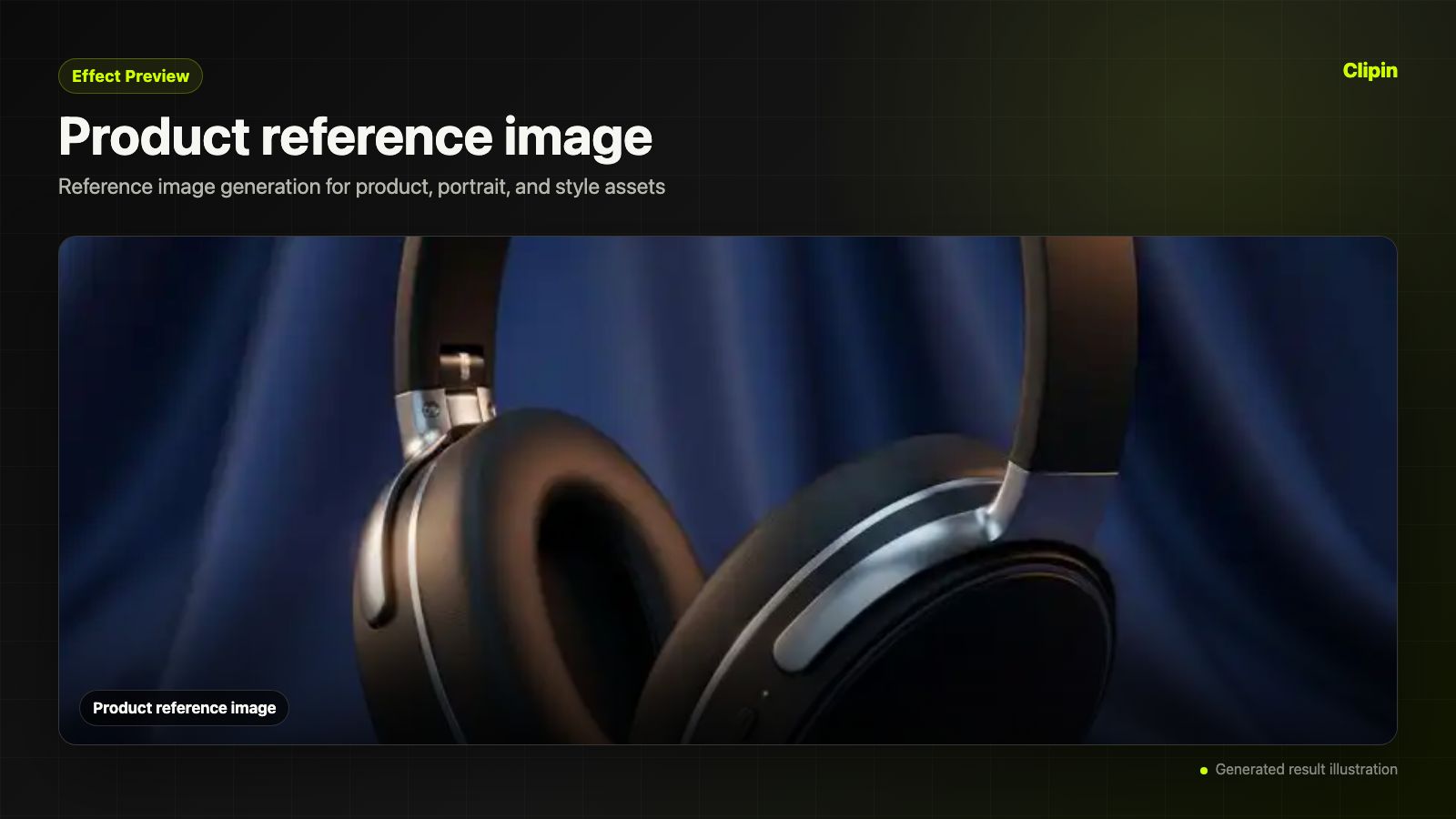
Create Reference Images from Prompts
the Nano Banana AI image generator is useful when a creative task needs a clean still image, not a full video. Generate a product frame, thumbnail concept, character reference, campaign visual, or brand asset, then decide whether it should move into image editing, another reference-guided image run, or a later content workflow.
Use References Instead of Starting Blank
The Nano Banana model page supports optional reference images, so creators can guide a new output with existing materials. This makes the workflow more practical for product variations, consistent characters, campaign visuals, social concepts, and visual continuity across a set of still assets.
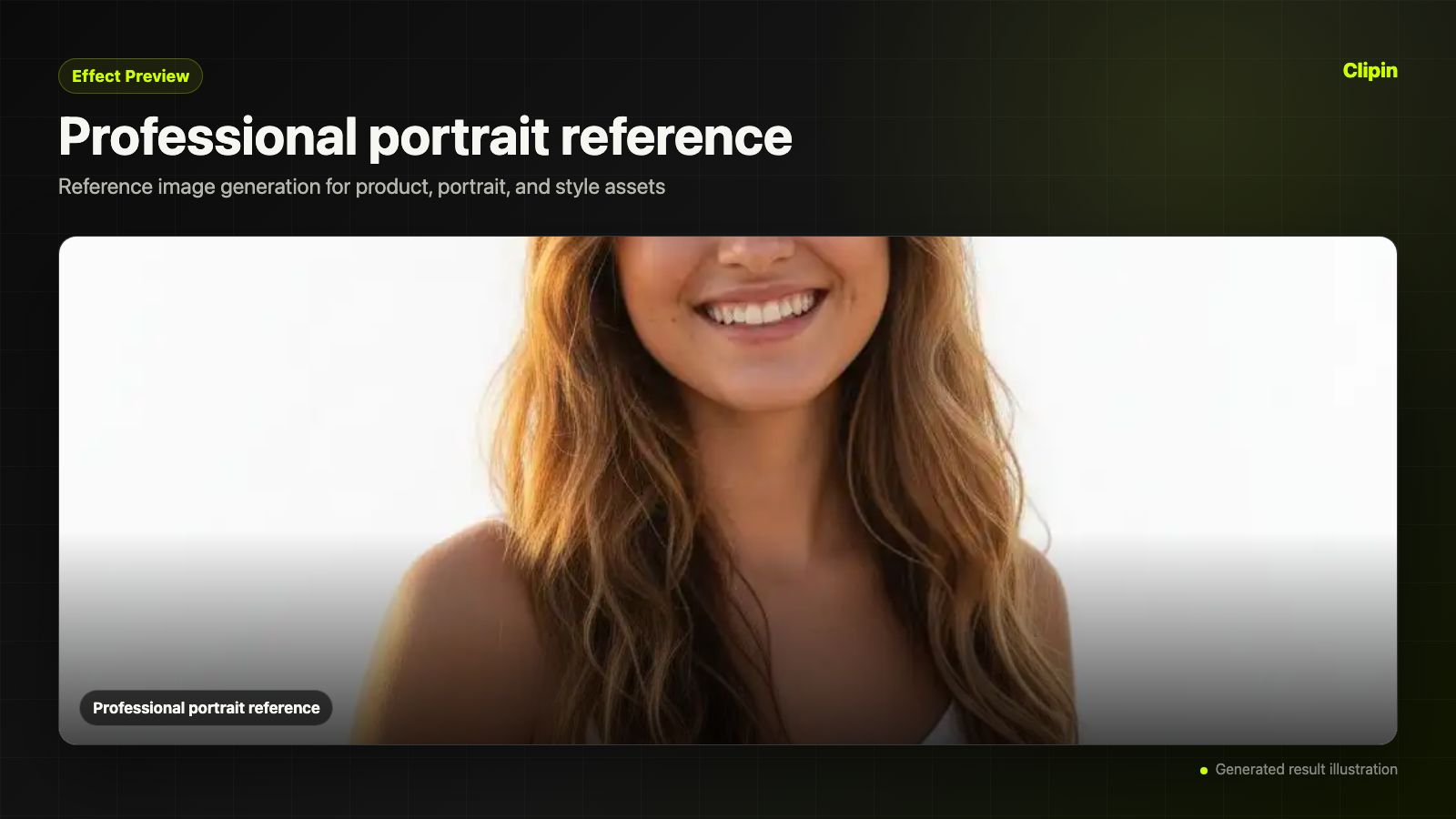
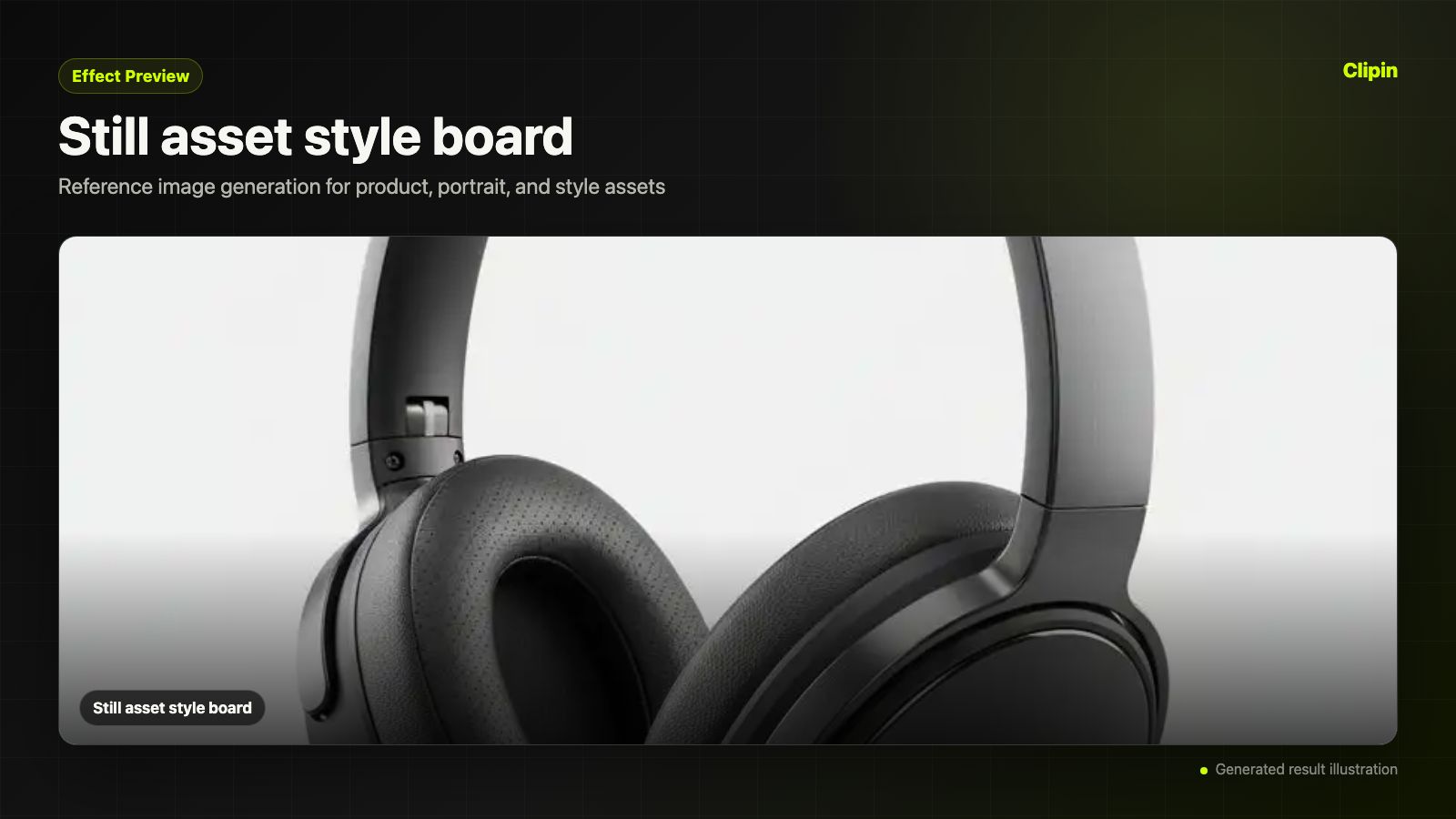
Bridge Image Creation and Content Planning
A Nano Banana model page should satisfy image search intent first. Use Nano Banana as a Gemini image generator option for making still assets that support product pages, ads, thumbnails, creator posts, brand experiments, and, when needed, later video model planning.
Frequently Asked Questions about Nano Banana AI Image Generator
- The Nano Banana AI image generator is a model page for creating still images from a prompt and optional reference images. It is useful as an image creation workflow for product visuals, social concepts, thumbnails, reference frames, character ideas, and brand assets.
- This page presents Nano Banana as part of Google image model options, and the page can target Gemini image generator search intent. The public copy should still focus on available controls: prompt, references, output format, prompt improvement, credits, and downstream workflow.
- Yes. The current Nano Banana form supports optional reference images through image_input, with up to 10 references. Use them when a product, person, style, or scene direction should guide the new image.
- Not exactly. Nano Banana can create new image assets from prompts and references, while an AI image editor is usually used for changing an existing image. A generated image can become editing material when it needs refinement.
- The current Nano Banana schema allows up to 10 reference images. That is useful for product details, visual mood, style direction, or multiple source assets that need to influence one output.
- The current Nano Banana workflow supports JPG and PNG output. JPG is useful for quick previews, while PNG is often better when the asset will move into editing, brand mockups, or further production work.
- The current Nano Banana scene is configured at 13 credits. The page should show this honestly so creators can decide when to use the model for draft images, references, or visual planning.
- Start with a clear prompt, add reference images if you have them, choose JPG or PNG, and generate the image. For a stronger result, describe the subject, composition, lighting, brand context, intended platform, and how the image may later be edited or reused.
- Nano Banana creates still images first. Those images can be used as product visuals, reference boards, thumbnails, creator assets, social posts, or source material for editing tools. If motion is needed later, the same stills can also support video model prompts.
- The public page should avoid claiming features not visible in The current Nano Banana UI, such as commercial-rights promises, watermarking behavior, exact model internals, or unsupported editing controls. The copy should stay tied to the live product surface before indexing.
Related Clipin tools
Continue from this tool into the adjacent generator, editor, or pricing page.