Idea + refs
Hook, product moment, CTA. Optional product photos or an ads-leaning template.
AI UGC ADS · PRODUCT-FIRST FOR PAID SOCIAL
Your product. A creator-style story. Describe the ad beat in the Video prompt—hook, demo, CTA—then Generate.
e.g. Open with a hook on the serum bottle, show the texture swipe, then end on a clear CTA card.
Credit estimate updates with your settings.
AI UGC means generated creator-style content—not a real customer testimonial. AI UGC ads are those creatives shaped for paid social: product early, one clear beat, review before spend. Keep the SKU readable; disclose generated content where your ads policy requires.
Templates · ads-leaning UGC
Live templates—open a card, adapt to your product, continue in Create.
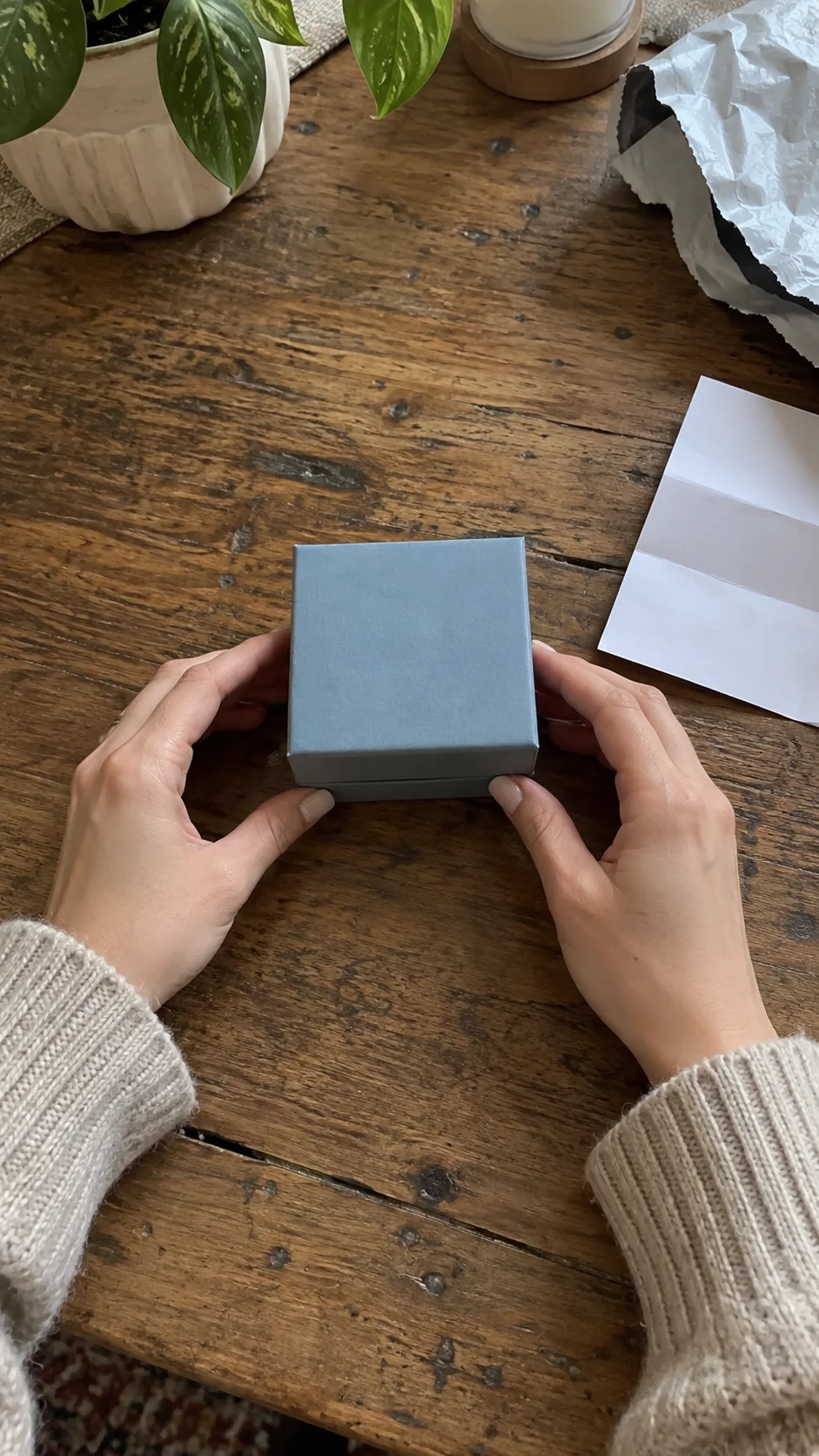
Hook on the box open, lift the SKU, close on detail—classic feed ad rhythm.
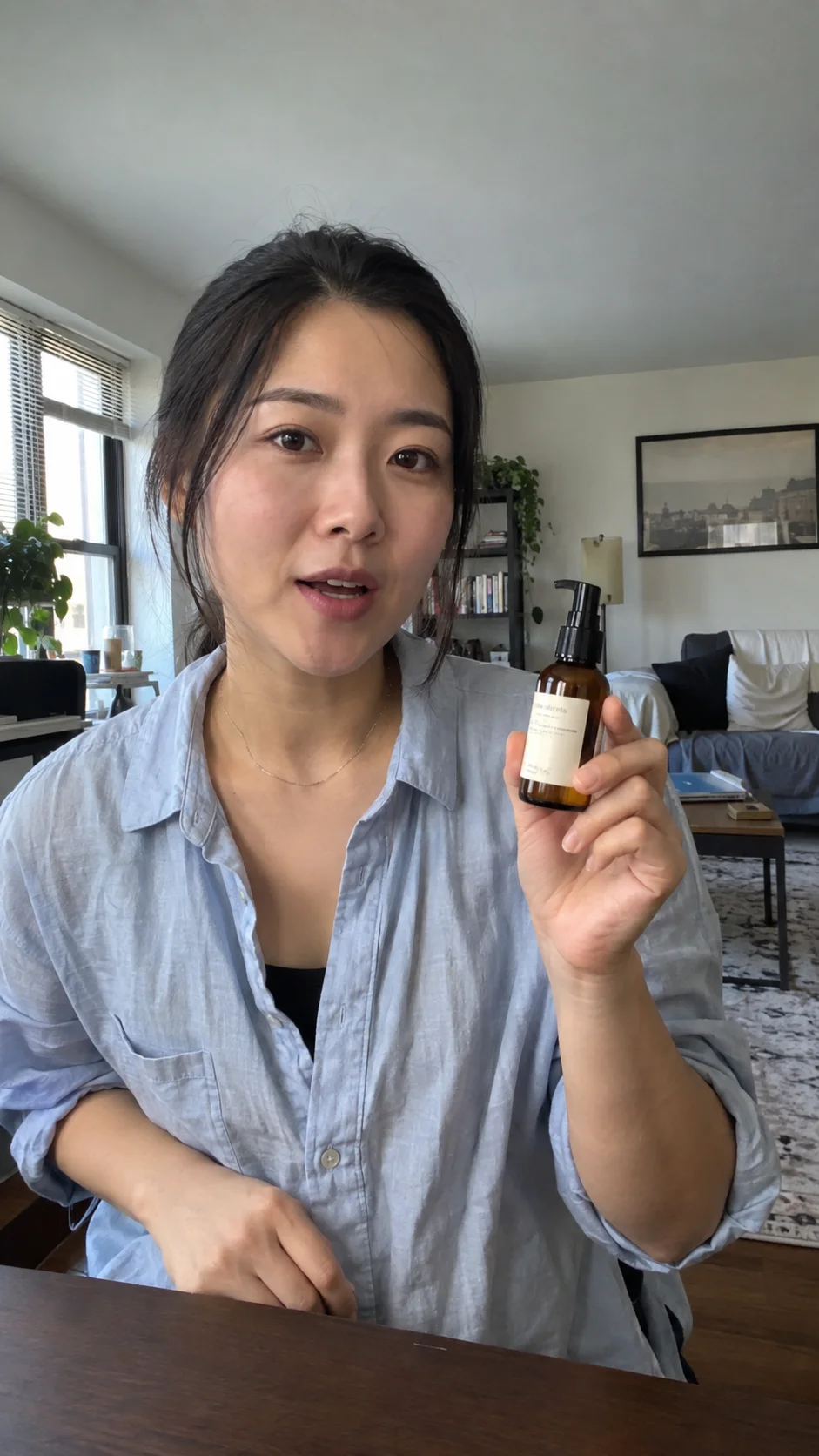
Hero hold and rotate so the product stays center-frame for UGC-style creatives.

Everyday desk lifestyle beat that still sells the product inside a short story.

Outfit lifestyle with the jacket as the product moment for short-form feeds.
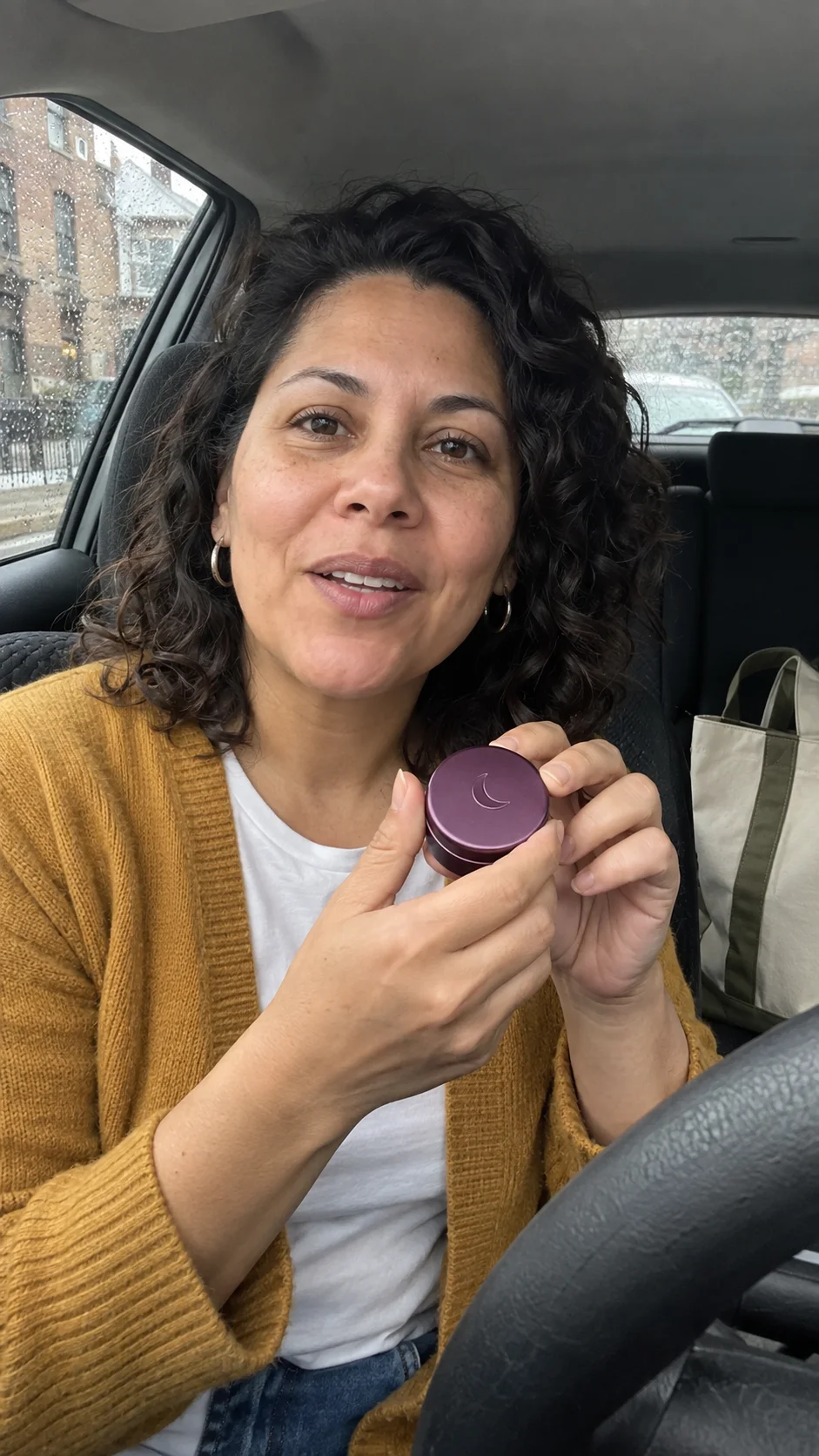
Car-interior lifestyle for scent or accessory SKUs in feed creatives.
How it works · product truth
Four steps. Nothing auto-publishes to your ad account.
Hook, product moment, CTA. Optional product photos or an ads-leaning template.
Duration, 9:16, credit estimate before you commit.
Generate your draft when ready.
Export and upload to your ad manager. Clipin does not publish ads.
Job fit · ads / paid social
Map your paid-social brief to one job—then pick a prompt or template.
Creator-style 9:16 clips for Meta, TikTok, and Shorts-style feeds—product visible early, one clear claim, end on a CTA.
SKU as hero: hold, rotate, spray, swipe, or pour. Start from Product in your hands or A little unboxing when packaging sells.
Cold open, product proof, clear next step—keep AI UGC ads scannable in-feed.
Vertical lifestyle and detail cuts for Reels, TikTok, and similar—pair with desk, outfit, or car-interior templates.
AI UGC is generated creator-style content—not a real customer testimonial or review.
Review, disclose, then upload to your ad platform yourself.
Pricing
One credit balance for video, image, and voiceover. Live numbers always win on pricing.
For occasional creation
Billed $288 yearly · Save $60
Models included
 MiniMax H3
 Seedance
 FLUX 3Seedream
 Nano Banana
For regular content creation
Billed $780 yearly · Save $168
Models included
MiniMax H3SeedanceFLUX 3SeedreamNano BananaFor high-volume creation
Billed $2,184 yearly · Save $204
Models included
MiniMax H3SeedanceFLUX 3SeedreamNano BananaCredits are shared across images, videos and voiceovers. Monthly credits don’t roll over.
Pick a template or write a Video prompt. Estimate credits, Generate, review before you spend.
Your product. A creator-style story.
No. AI UGC is generated creator-style content—not a real buyer testimonial or review. Disclose as your ads policy requires. Review before you publish.
A simple way to start on pricing: $4.99 · 115 credits · 30 days. Shared credits across video, image, and voiceover. Monthly plan allotments do not roll over. Use it to try a few creatives, then pick a plan that fits.
No. Clipin is for product photo + creator-style story for paid social. URL farms and SaaS screen demos are out of scope. Category home: clipin.ai. Bring a product photo and one story beat instead of a scraped link and a stack of thin variants.
Name hook, product moment, and CTA in the Video prompt. Prefer one clear claim. Use an ads-leaning template if you want structure first.
Yes for hook → demo → lifestyle → CTA. Short single clips still work for feed tests. Confirm duration on create. Prefer vertical when the feed is mobile-first. Review each scene for the same SKU wording before you approve the whole Story. Example: a serum launch that opens on texture, then lifestyle, then a simple next-step card.
AI UGC ads often start in one of these formats. Hands-on, unboxing, lifestyle, and short hook→demo→CTA beats. Open live examples under Templates on this page or templates. Match the job before you invent a blank prompt. Keep one clear claim per cut so the feed can scan it. If the brief is “first seven seconds sell the bottle,” start hands-on or unboxing—not a long travel Story.
No. You review, export, and upload in your ad manager. Clipin does not publish ads for you. Treat every cut as a draft until a human approves it. Disclose generated content where your channel and ads policy require. Build the cut here, then place it in the ad account you already control.
Home owns the AI UGC category. This page owns ads / paid-social intent and converts to Create—without reviving stopped tool URLs. Use home for category browsing; use this page when the brief is already ads. Do not deep-link stopped tool paths. If someone lands wanting “ads creatives for my SKU,” keep them on this route.
The SKU stays readable in frame. Skip empty stock chatter. Start from your product photo and a short story beat. Reject frames where the label or silhouette is unreadable at phone width. Change one variable per rerun—crop, brief, or template. A pretty room that hides the label fails the bar—even if the vibe feels “UGC.”
Clipin uses one credit balance for video, image, and voiceover. Compare allowances on pricing. Check the on-page estimate before you Generate. Experience Pack $4.99 is a quick start if you want a small pack first. The on-page estimate is the number to check before you spend a credit.
Generating uses your Clipin account and credits from pricing. Full plan details, pack options, and account rules live there—this page stays focused on making AI UGC ads.