NSFW images are not allowed. All image uploads are checked.
Wan 3.0. Give one clear idea room to move.
Explore Wan 3.0 examples across different scenes, then try your own idea.
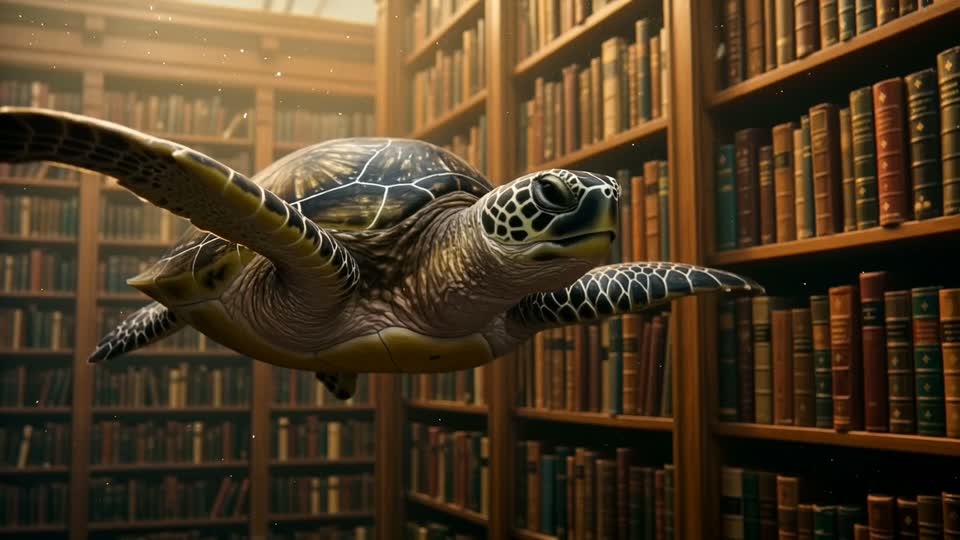
Surreal storytelling
Wan 3.0
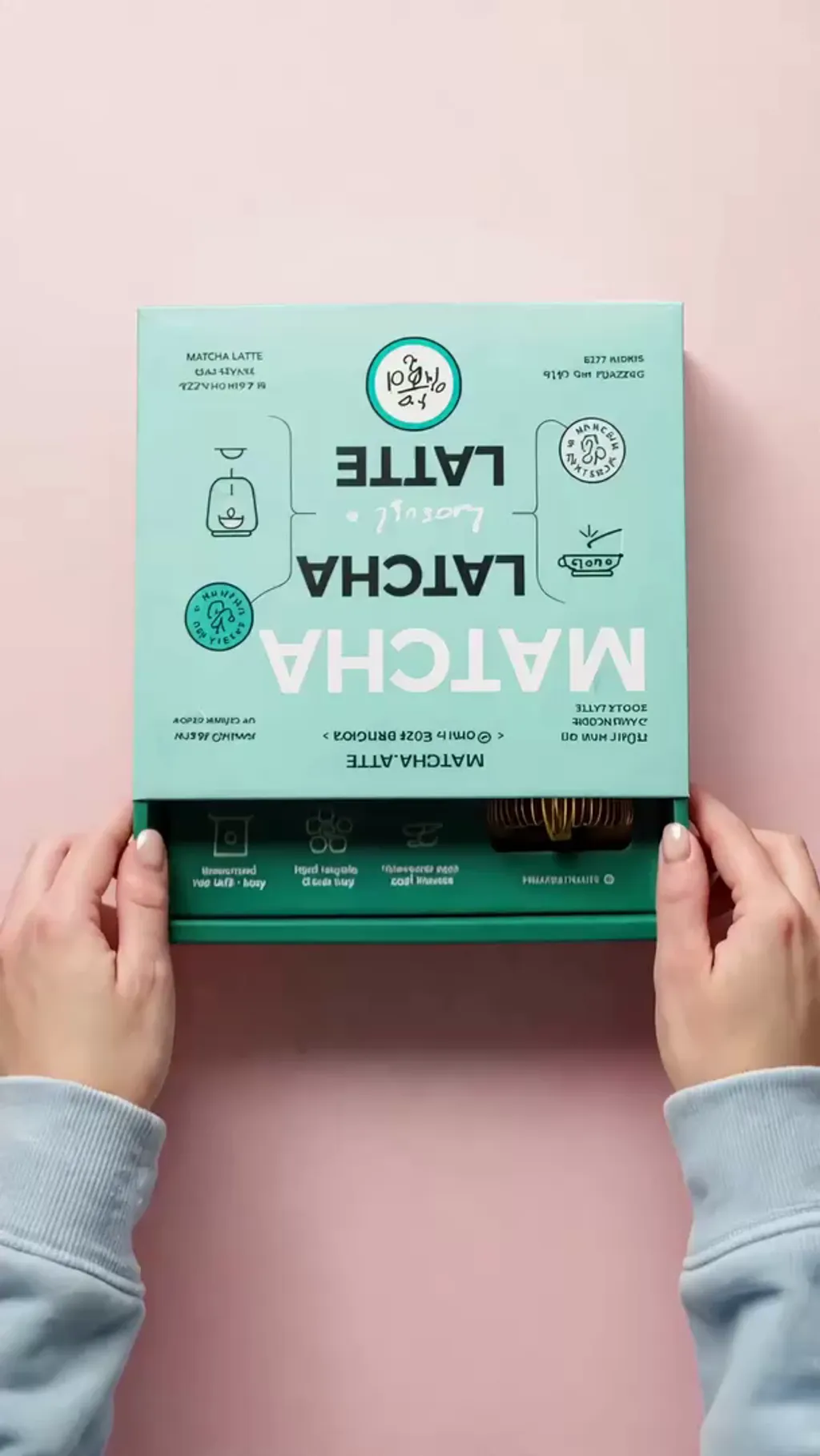
Product unboxing
Wan 3.0
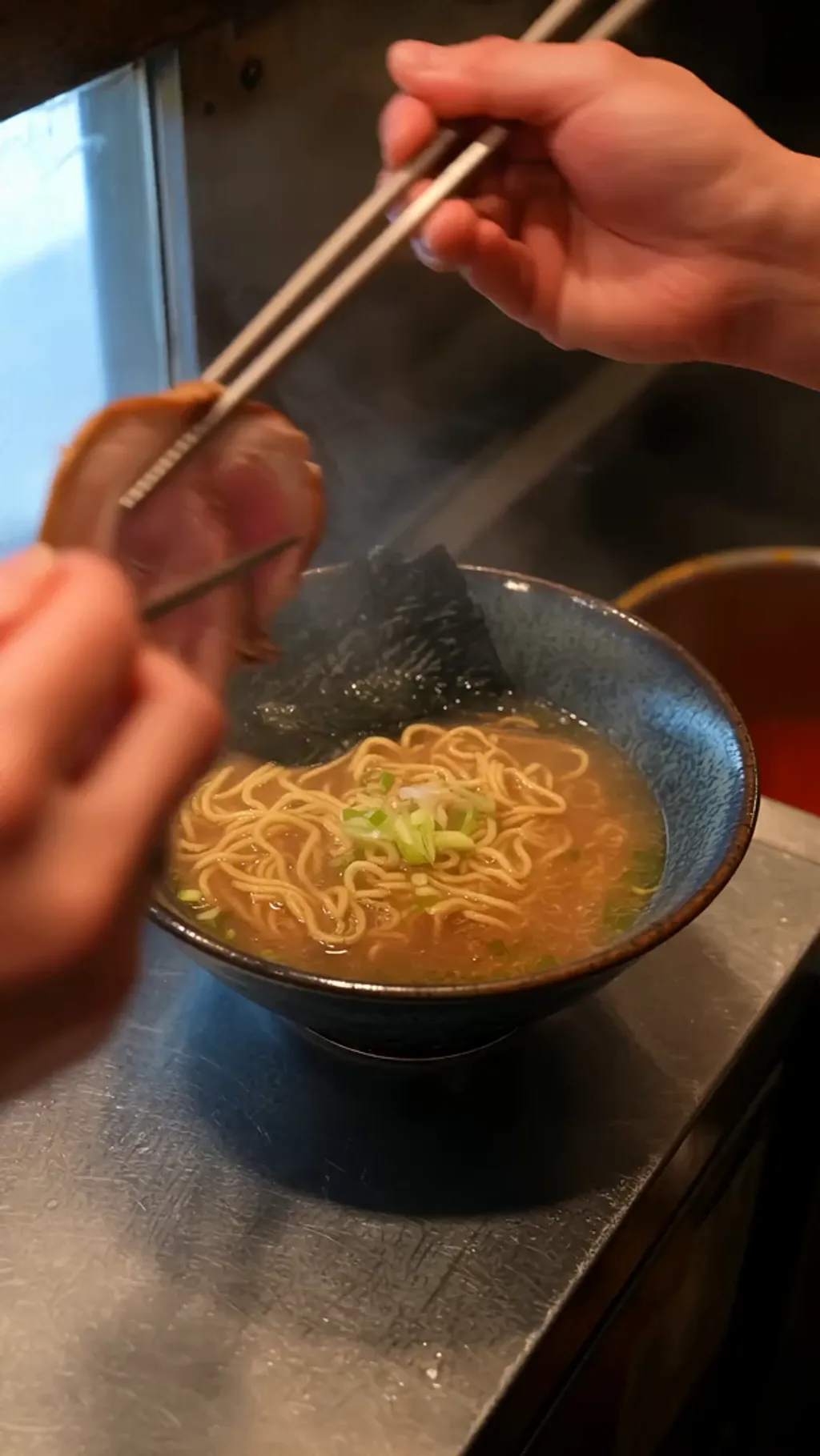
Food and steam
Wan 3.0
Wan 3.0 AI Video Generator
Wan 3.0. Give one clear idea room to move. Create a scene from text or animate a starting image. The straightforward controls suit a focused action, atmosphere study, or longer camera movement.
Explore the Wan 3.0 controls available in this workspace, from your first input to the finished video.
Wan 3.0
Wan 3.0: Combine a subject with an unexpected setting
Wan 3.0. A recognizable animal in an impossible environment creates an immediate visual idea. The library scene contrasts gentle swimming with shelves and architecture. Describe how the subject moves through the space, keeping scale and camera direction clear.
Wan 3.0
Wan 3.0: Hands, packaging, and texture
Wan 3.0. Describe a product interaction as a short sequence of physical steps. The matcha example combines packaging, glass, and loose powder. Give the hands one action at a time, with close framing that keeps the product visible throughout the shot.
Wan 3.0
Wan 3.0: Food preparation with atmosphere
Wan 3.0. Use steam, reflections, and small hand movements to make a food shot feel active. The ramen example centers on a finishing action. Describe the camera distance and ambient kitchen sound without crowding the clip with unrelated events.
Use references with Wan 3.0
Give each input a clear purpose in your Wan 3.0 brief. A reference can anchor what should stay recognizable; the prompt explains what should change. Use only the reference controls offered for the selected version.
Refine a Wan 3.0 result
Compare the output with the brief before changing several settings. Keep the successful composition, then adjust one detail in the next Wan 3.0 attempt. Save a useful prompt so you can develop related variations.
Wan 3.0 input guidance
This integration uses a prompt and optional first frame. It does not expose an ending frame, subject-reference set, or audio toggle.
Made with Clipin
Use cases
Choose a focused brief for your next Wan 3.0 project. These starting points help you plan what to generate.
01
Wan 3.0 for atmospheric establishing shots
Let a landscape or architectural scene develop gradually with one controlled camera movement. Use Wan 3.0 to explore the scene, then adjust the framing, light, or action to suit your project.
02
Wan 3.0 for matcha product ritual
Show packaging and powder through a short hand sequence. Use Wan 3.0 to explore the scene, then adjust the framing, light, or action to suit your project.
03
Wan 3.0 for ramen finishing shot
Use steam and a small action to bring a food scene to life. Use Wan 3.0 to explore the scene, then adjust the framing, light, or action to suit your project.
Start free. Grow when you’re ready.
One credit balance for video, image, and voiceover creation.
Starter
For occasional creation
$24/month$29
Billed $288 yearly · Save $60
Models included
MiniMax H3
Seedance
FLUX 3
Seedream
Nano Banana
500 credits per month
Up to 13 fast videos
Up to 166 images
UGC templates & Story creation
Image generation & editing
AI voiceovers
Preview & download
Credit top-ups available
Recommended
Creator
For regular content creation
$65/month$79
Billed $780 yearly · Save $168
Models included
MiniMax H3
Seedance
FLUX 3
Seedream
Nano Banana
1,600 credits per month
Up to 42 fast videos
Up to 533 images
UGC templates & Story creation
Image generation & editing
AI voiceovers
Preview & download
Credit top-ups available
Lowest credit price
Studio
For high-volume creation
$182/month$199
Billed $2,184 yearly · Save $204
Models included
MiniMax H3
Seedance
FLUX 3
Seedream
Nano Banana
5,400 credits per month
Up to 142 fast videos
Up to 1,800 images
UGC templates & Story creation
Image generation & editing
AI voiceovers
Preview & download
Credit top-ups available
Credits are shared across images, videos and voiceovers. Monthly credits don’t roll over.
Wan 3.0 creates video outputs from the supported inputs on this page. Create a scene from text or animate a starting image. The straightforward controls suit a focused action, atmosphere study, or longer camera movement.
Which Wan 3.0 version is available here?
Text or a starting image. This integration uses a prompt and optional first frame. It does not expose an ending frame, subject-reference set, or audio toggle. The model selector and form show the choices available for your Wan 3.0 generation.
How do I start a Wan 3.0 generation?
Write a brief, choose your output settings, and add optional inputs where needed. Review the displayed credit estimate, then submit your Wan 3.0 request. Follow the account prompt if sign-in is required.
What settings does Wan 3.0 offer?
Choose 2–30 seconds and 480p, 720p, or 1080p. Use the aspect-ratio control for text generation; an uploaded first frame determines the image-led composition. Available controls come from the selected Wan 3.0 model, so changing a version can change its options.
How should I write a Wan 3.0 prompt?
Describe the subject and the intended result first. Let a landscape or architectural scene develop gradually with one controlled camera movement. Add useful lighting and composition details to your Wan 3.0 prompt, and remove instructions that conflict with one another.
Can I edit a Wan 3.0 starter prompt?
Yes. Use prompt replaces the current prompt with the selected example. Edit it before generating with Wan 3.0; choosing a starter does not submit a request or spend credits.
How much does Wan 3.0 cost?
The generator displays an estimate for the selected settings. Wan 3.0 credit usage can vary with the version and output options. Review the estimate before generating and check your account for available credits.
Are the Wan 3.0 examples guaranteed results?
No. The examples show model outputs for inspiration. Your Wan 3.0 result depends on its inputs and settings, and separate generations can differ. Review each output before including it in your finished project.
Make your next idea with Wan 3.0.
Start with a clear Wan 3.0 prompt, choose your settings, and make the result your own.
 Wan 3.0